
You can add logic to certain questions to ask users more targeted follow-up questions.
You can set up logic regardless of the survey type.
The following question types have a rule option:
- Emojis
- Long Free Text
- Multi Select
- NPS
- Rating
- Short Free Text
- Single Select
All rules follow an If/Then logic:
If your customer makes a specific selection, then either the survey ends, the thank you message is shown, or a specific follow-up question is asked.
For Free Text questions, you can filter by words. If these words are mentioned (or not mentioned) in the responses, the rule is triggered. For example, after a shop relaunch, you can ask how satisfied users are with the new shop. If the new filter or filtering is not mentioned, you can specifically ask a follow-up question about it.
Before you can add logic, you must create the follow-up questions!
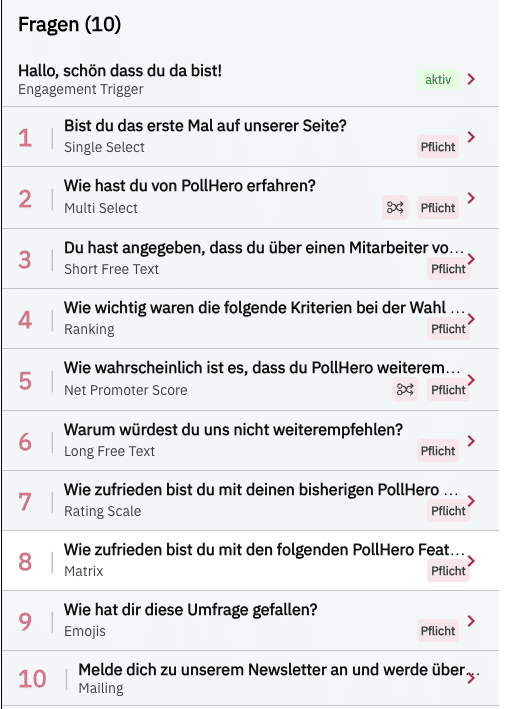
You can see if a question has logic directly in the editor, next to the corresponding question. There will be a small logic icon.
Here you can also see if a question is mandatory. If nothing appears next to a question, it is not mandatory.
The option to use logic is not included in PollHero’s Free Plan.
If you want to add logic to your questions, upgrade your plan to the PollHero Growth Plan or the Enterprise Plan.