
PollHero surveys can be closed or minimized.
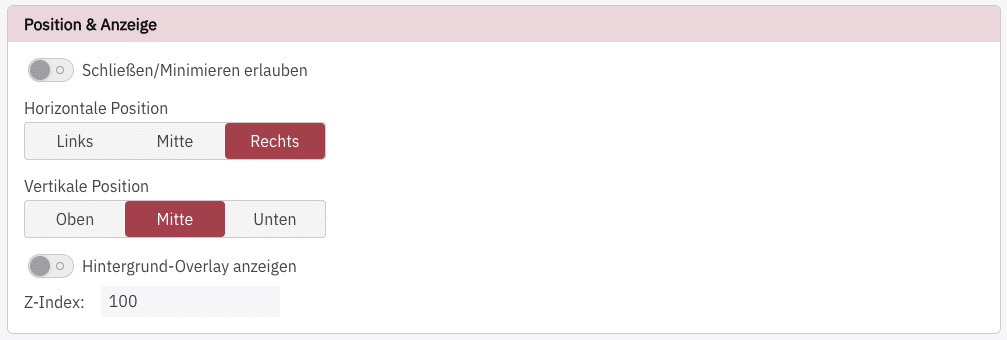
There is a toggle for this Schließen/Minimieren erlauben
Close survey #
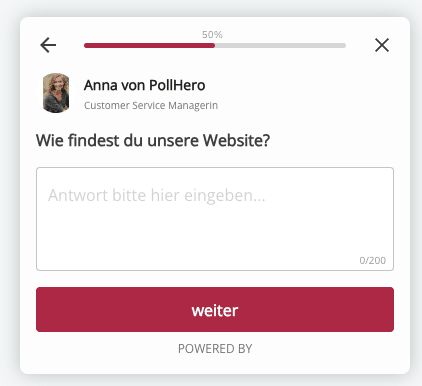
Set whether your website visitors can close the survey or whether your survey is displayed the entire time. You can tell whether a survey can be closed by the X in the top-right corner.
Minimize survey #
If the survey can be minimized by website visitors, there are two options for what happens next:
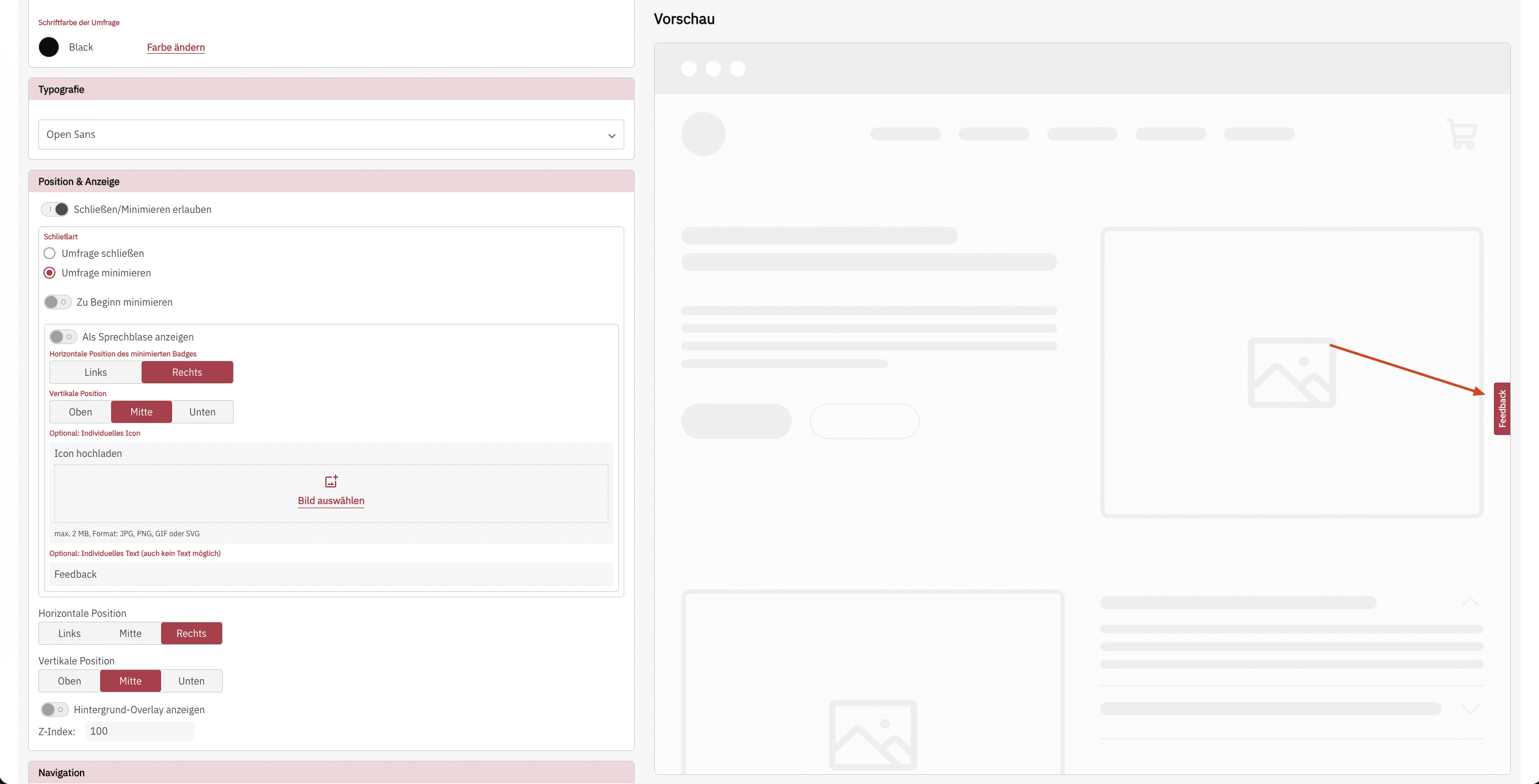
1. Continued display as Badge (Standard & recommended)
Here, the survey is minimized and then a small Badge is displayed at the edge of the screen:
2. Continued display as Sprechblase
After minimizing, the survey is displayed as a significantly larger speech bubble
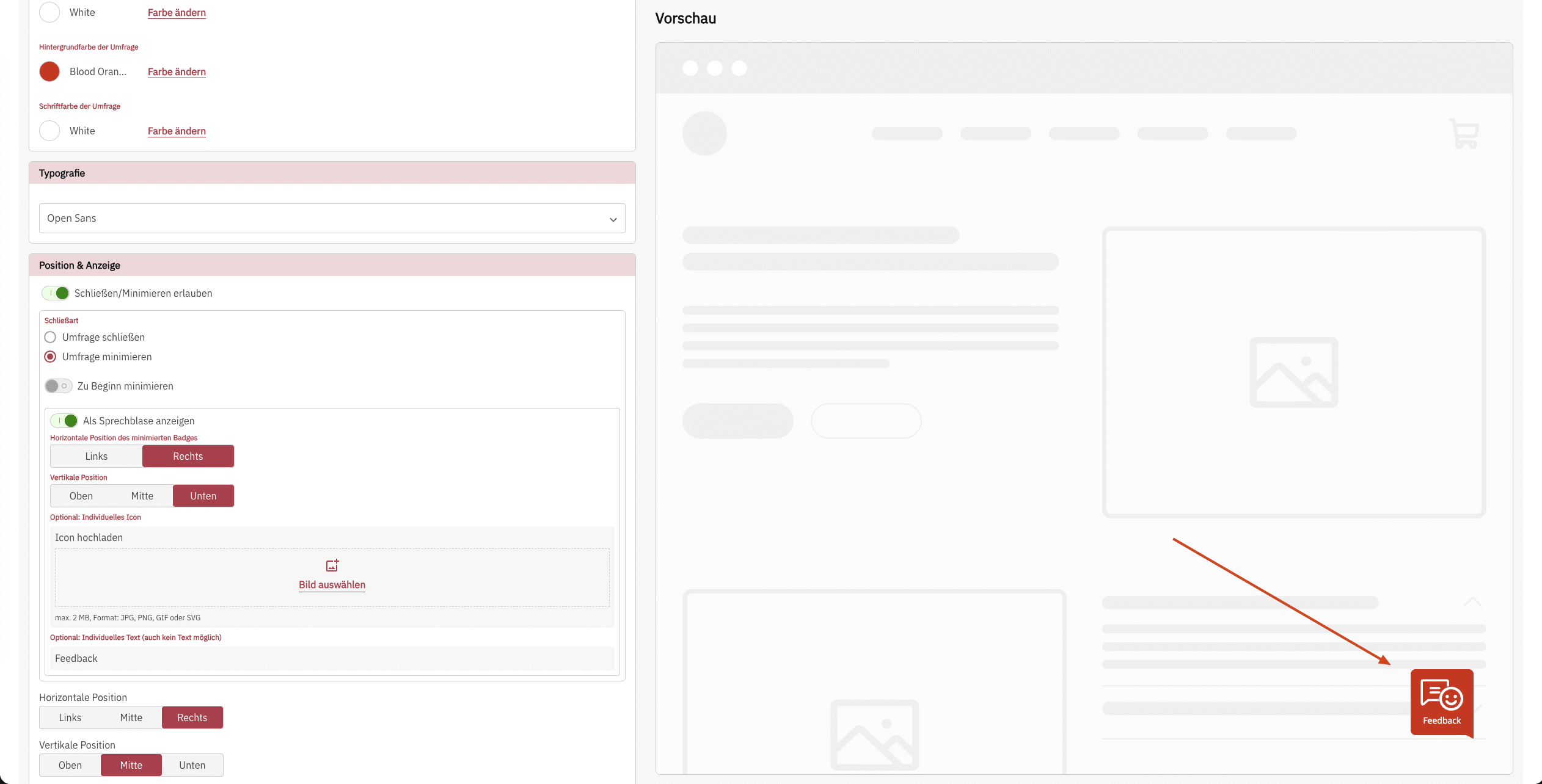
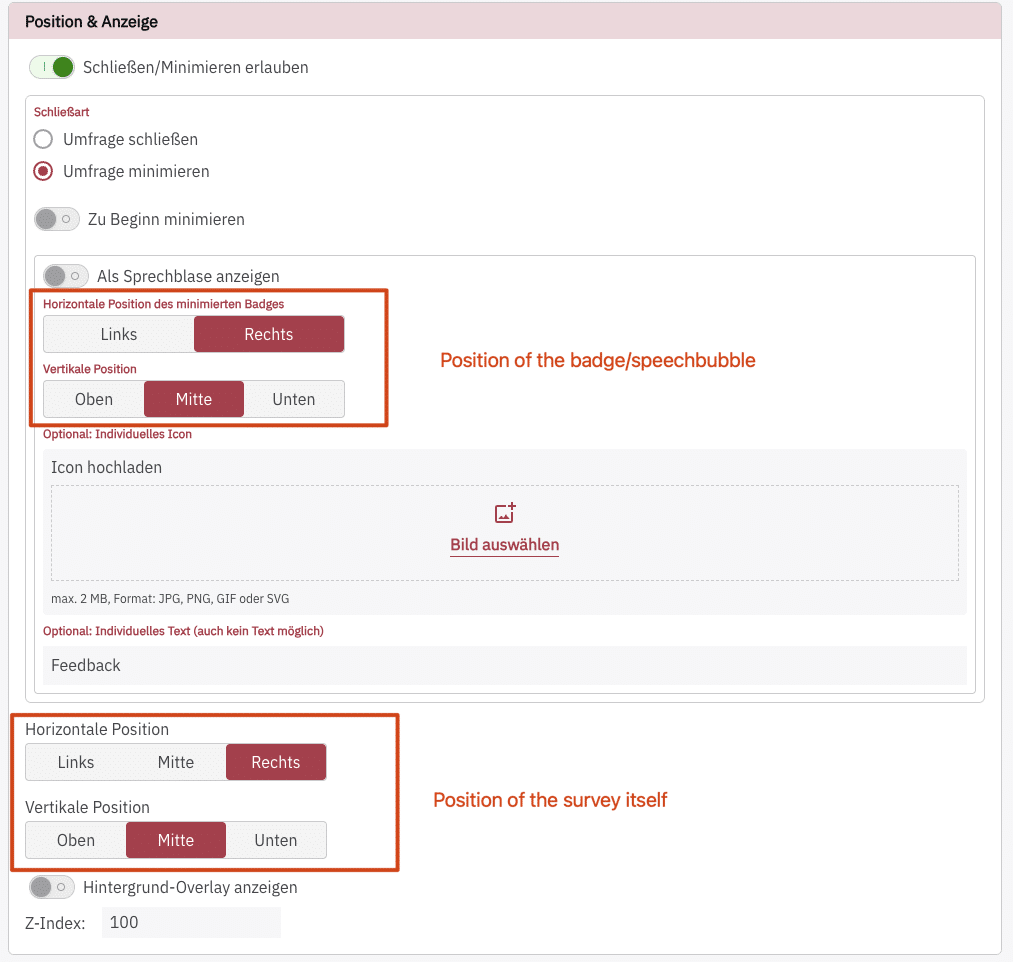
In both cases, the horizontal and vertical position of the badge can be adjusted, even separately from the position of the survey itself.
This means that you can, for example, place a small Badge on the right edge of the screen and, after a click, the survey opens centered in the middle with a background overlay.
Start survey minimized #
You can also determine whether the survey should already be minimized at the start, so that only the Badge or the Sprechblase is visible at the beginning and a click on it starts the survey.
This can be done at Position & Anzeige with the toggle Zu Beginn minimieren
Keep survey minimized after page change #
In addition, you can specify that surveys, if they have been minimized, should remain minimized even after a page change and not be opened again.
This can be done at Navigation with the toggle Umfrage bei Seitenwechsel minimiert lassen