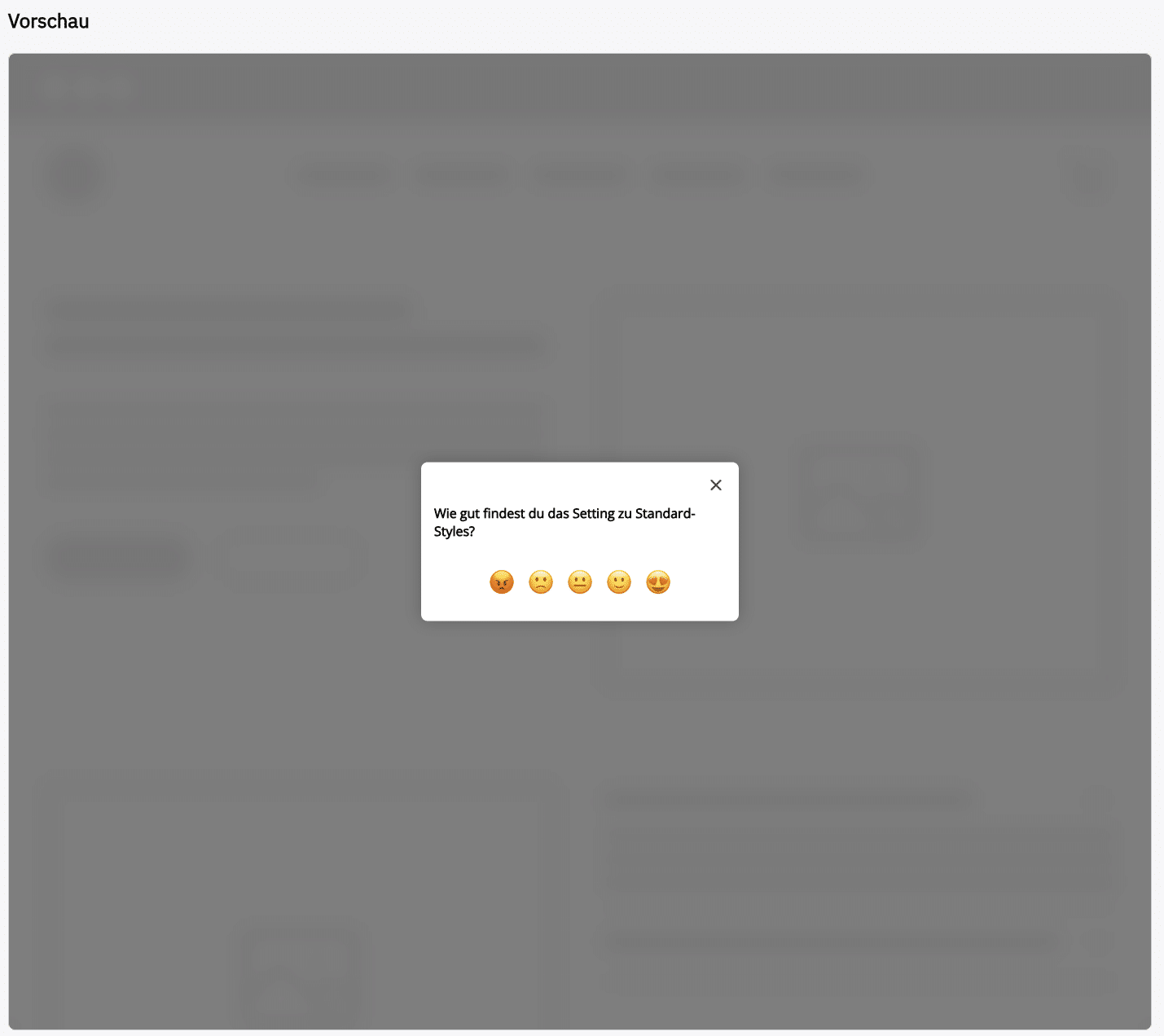
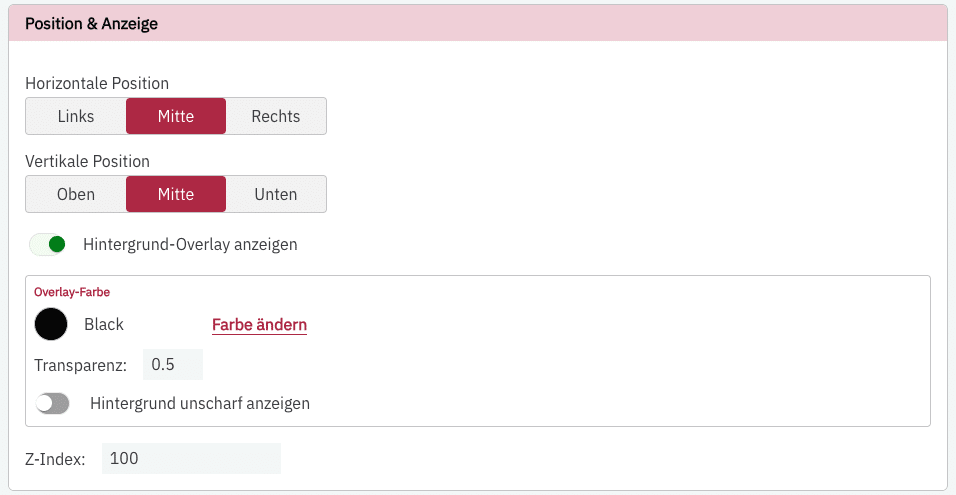
For an on-site survey, you can set where your survey is displayed on your website: on the right, left, or centered at the bottom edge of the screen (on desktop).
You can define both the horizontal and the vertical position for this.
On desktop, you can also enable an overlay. The overlay is placed over your website so that the survey stands out even more.
On mobile devices, the on-site survey always remains centered at the bottom.
You can also set the z-index and thus determine on which layer of your website the survey appears.
You can view the survey within the context of a mock-up website to test its position and display.
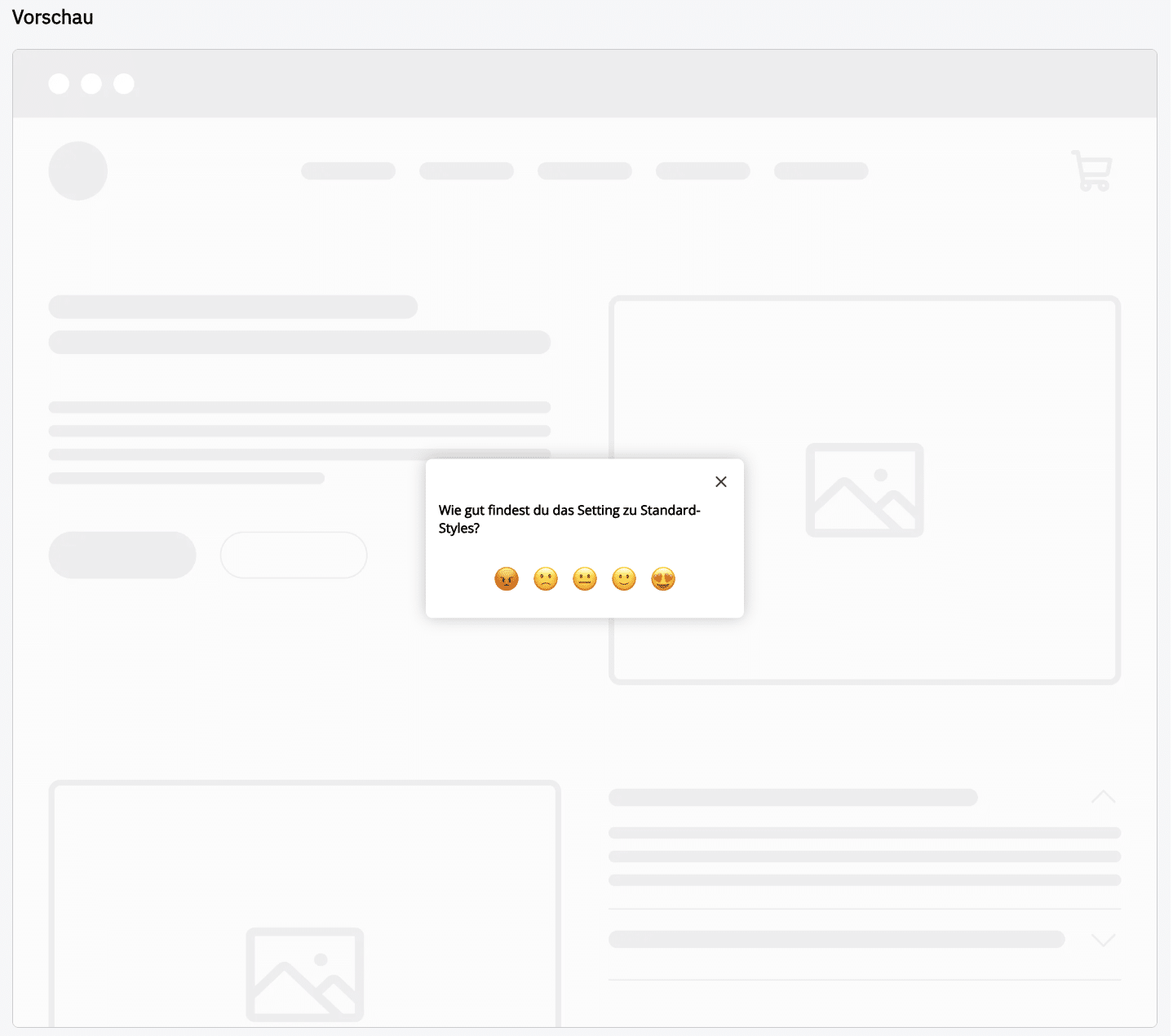
You can also see an example of the transparency on your website: