
Would you like to leave us?
You can delete your account in your account settings. To do so, click the drop-down arrow in the top-right corner next to your name and click Manage account.
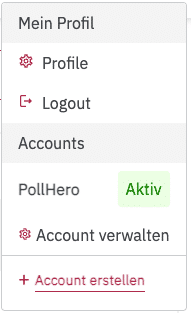
Scroll all the way to the bottom of the page. There you will find the Delete account section. If you delete your account, all projects and surveys under the account will be lost. This action cannot be undone.
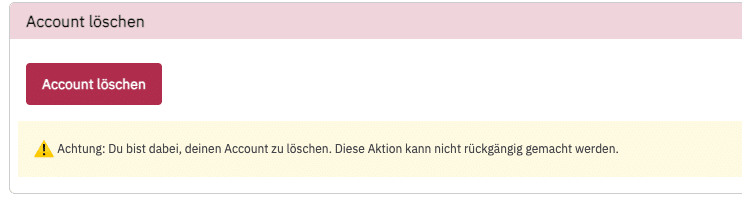
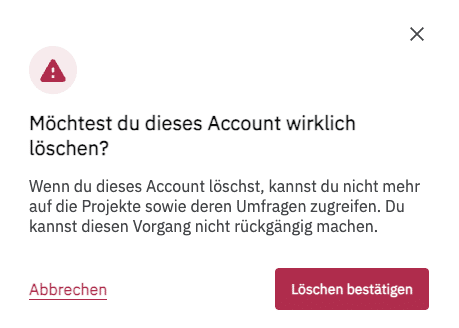
If you really want to delete your account, click Confirm deletion.
You cannot undo deleting your account. You will lose all projects and surveys. Therefore, please make sure you really want to delete your account.