
With the help of smileys or “thumbs up”/”thumbs down,” your customers can quickly give their opinion and evaluate whether and how well/poorly they like a feature of your website or product.
Settings:
- You can set whether the question should be mandatory.
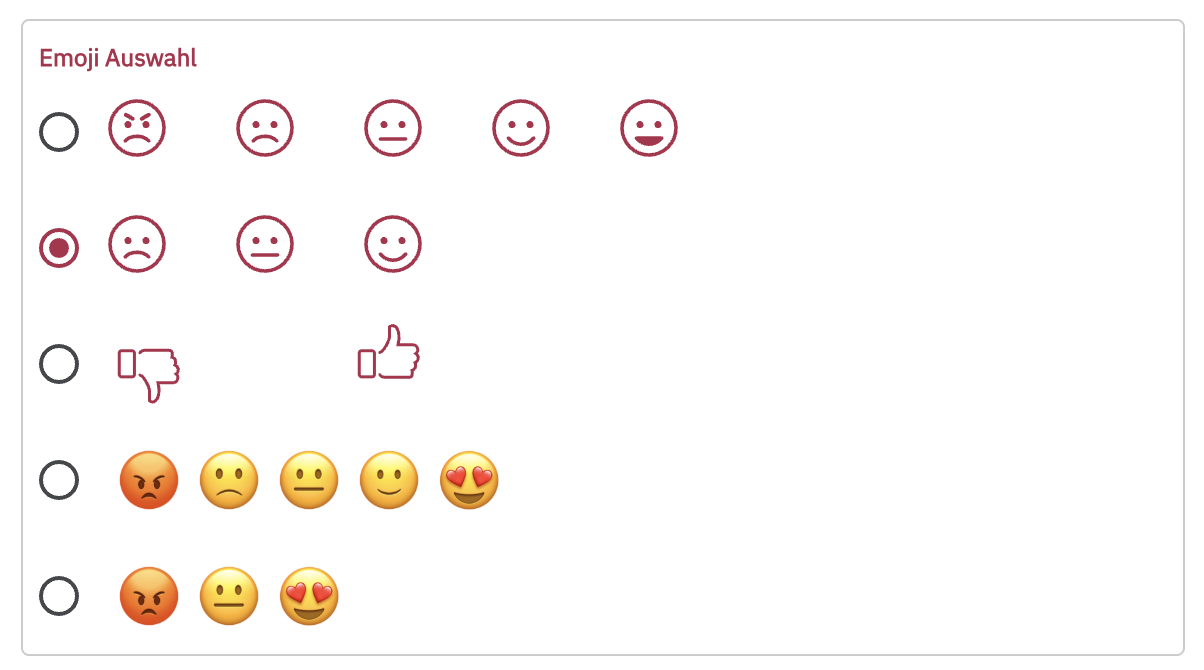
- Additionally, you can choose between two sets of three smileys each, a set of five smileys, and a set of two thumbs (thumbs up, thumbs down).
You have the choice of five different emoji sets:
You can also adjust the emoji color & size:
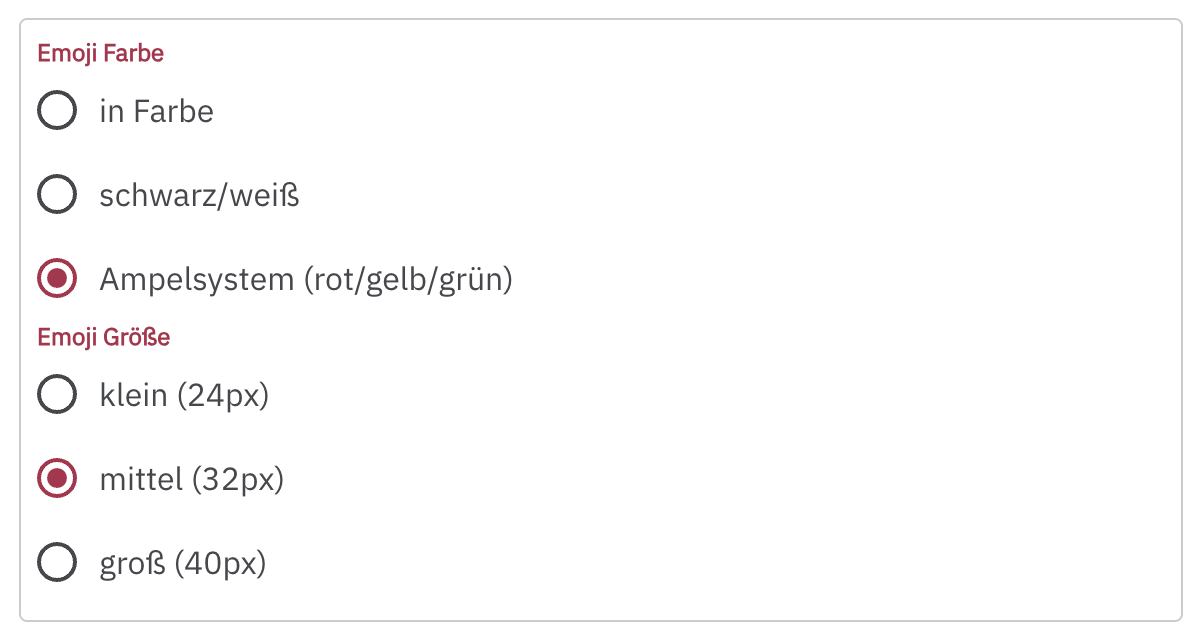
In this case, black/white means that the emojis will be displayed in the survey’s font color, whereas under “in color” you can choose a different color.
Logic: An If/Then logic can be created:
If selection is exactly/is better than or equal to/is worse than or equal to [smiley choice / thumb choice],
then show the Thank You Message/close the survey/go to question X.
You can create more than one rule to ask your customers targeted follow-up questions for each reaction – or to end the survey with a brief thank you for a positive reaction.