
First, create your Rating Scale and decide whether your users should rate with stars or numbers.
Before you can add logic, you must create the follow-up questions!
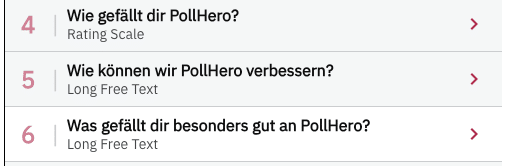
Once you have written the question and configured your rating symbols and scale, you can create logic via + Add Rules.
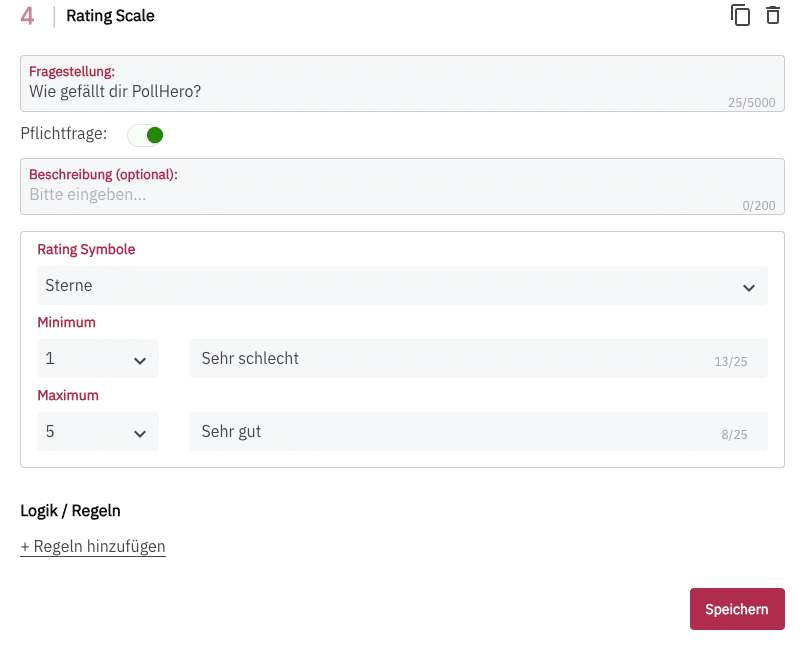
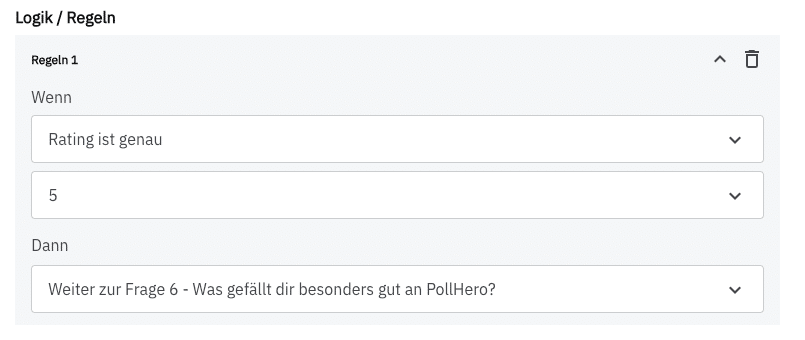
In my case, I want to configure that everyone who rates PollHero with 5 stars receives question 6.
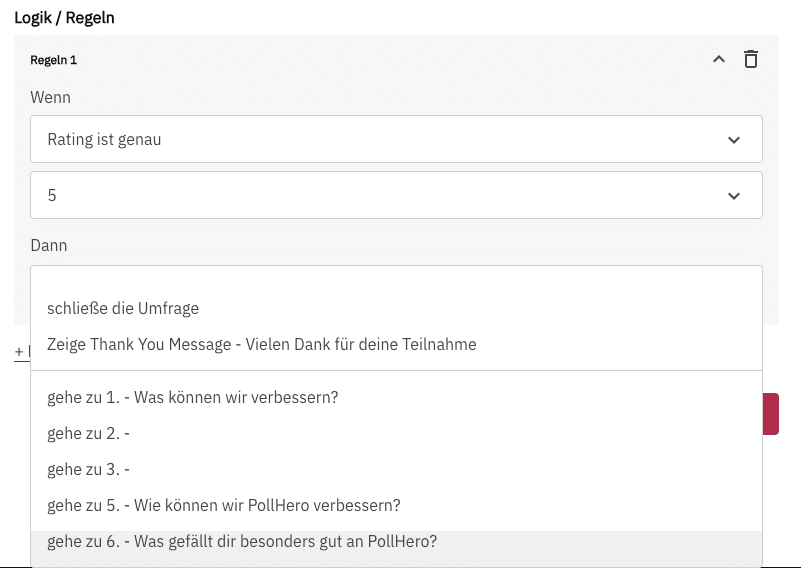
I also want all users who rated PollHero with 1-4 stars to be directed to question 5.
For this, I create a second rule:
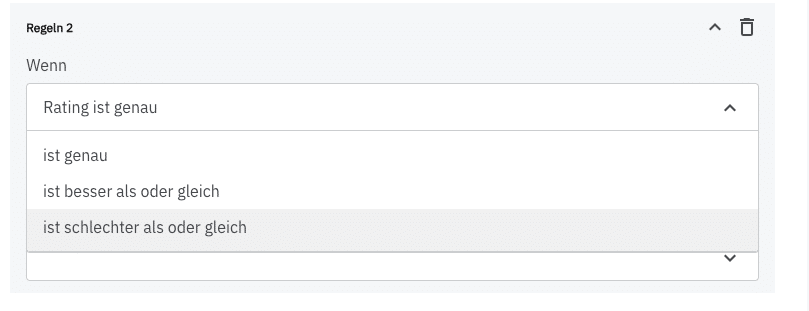
Now I can select that all responses with 4 stars or fewer are directed to question 5:
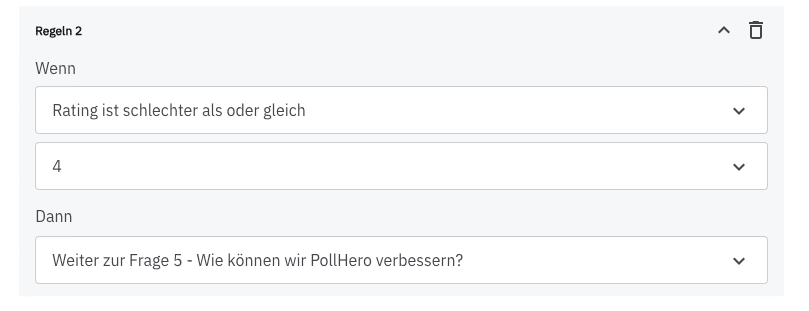
You have now created two rules that allow you to learn more specifically about your visitors’ needs.
You can of course create other segmentations and, for example, establish separate rules for each of the five ratings.
If your Rating Scale has more than five options, it is worthwhile to create multiple rules and segment in more detail.
Difference from Net Promoter Score Follow-Up:
In principle, the logic of the Net Promoter Score question works the same way. The only difference is that you cannot select the range of responses yourself. This is predetermined in the NPS by the Detractor/Passive/Promoter division:
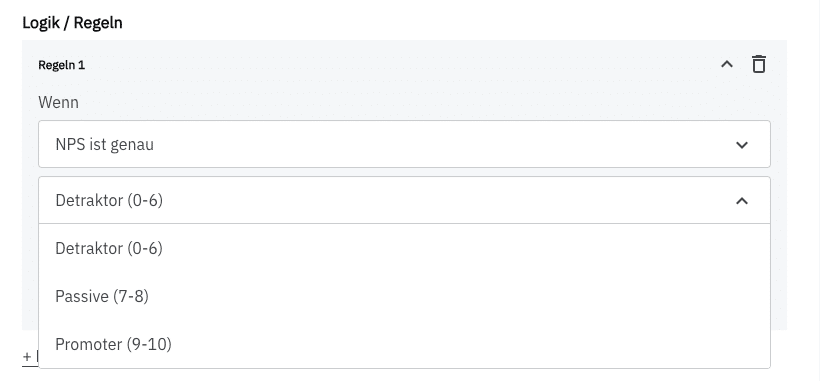
As you can see, it is very easy to ask follow-up questions for rating scales.