
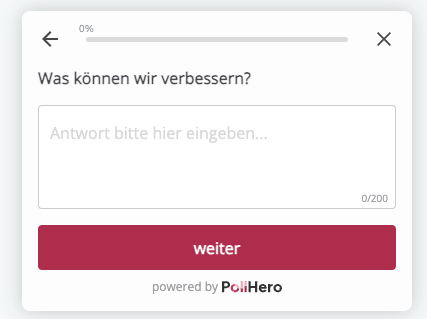
Give your users the opportunity to answer your question in detail or express their opinion. You can define the answer length yourself; the default is 200 characters.
Long Free Text answers are particularly advisable for open-ended opinion surveys (How do you like our website, what can we improve, etc.). Users appreciate being asked for their opinion and do not want to be limited.
Settings:
- You can configure whether the question should be mandatory.
- You can set the maximum answer length (in characters) by typing a number into the gray field. The default setting is 200 characters.
- You can also choose the placeholder text displayed in the answer field. Of course, you can leave it as the default text “Please enter answer here…”
Logic: An if/then logic can be created:
If answer contains/does not contain/the question was answered/the question was not answered,
then show the Thank You Message/close the survey/go to question X.
If you select “answer contains/does not contain,” you can enter a word you wish to filter in the “Enter term” field. If this word appears in the free text, you can direct your customers to a further question. For example, if you ask your customers how they like the insurance overview after the website relaunch and want to focus specifically on navigation, you can filter out answers in which the word “navigation” appears and ask these visitors additional questions about navigation. Or conversely: if the word “navigation” does not appear in their answer, you can ask them a follow-up question about navigation.