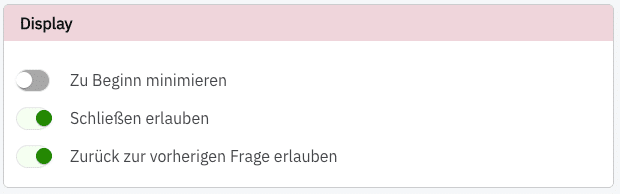
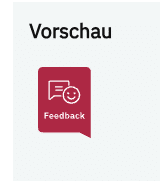
Minimize at start: You can configure how your question is displayed. You can decide whether your survey is minimized when users arrive on your site. The survey opens when users click the “Feedback” icon.
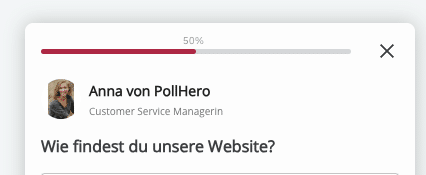
Allow closing: Set whether your website visitors can close the survey or whether it is displayed the entire time. You can tell whether a survey can be closed by the X in the top-right corner.
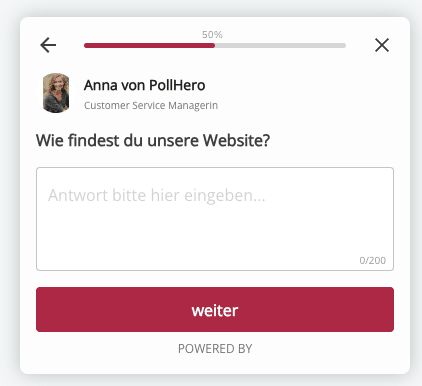
Allow returning to the previous question: Here you can choose whether your customers can return to previous questions. If so, you will see a left-pointing arrow in the top-left area of the survey. You can tell whether users can return to the question by the arrow in the top-left corner of the question. If no arrow is visible there, users cannot go back to the previous question.