
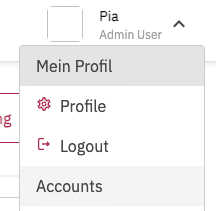
You can find your profile by clicking the arrow next to your name in the upper right corner. A menu will open. Under the first item, Profile, you can access your profile.
User Profile #
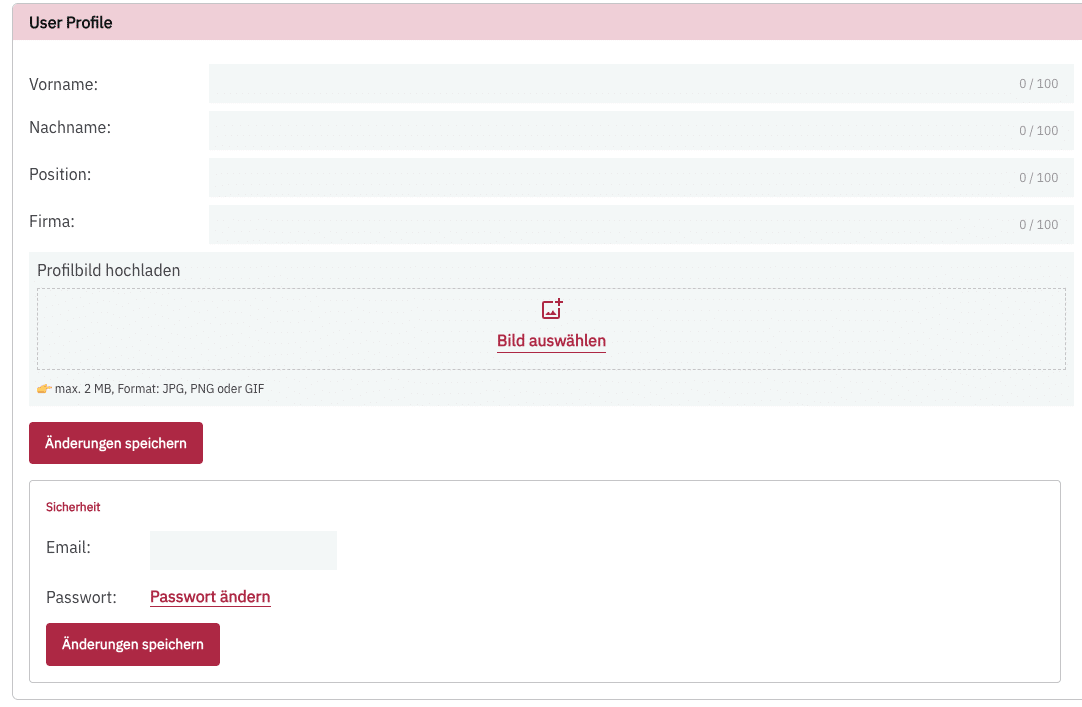
In this section, you can change your first and last name, enter your job position and company, and upload a profile picture.
Additionally, you can change your email address and password.
Organization #
If you work for multiple companies that have a PollHero account, the companies and your corresponding permissions will be listed here. This is particularly relevant for agencies or freelancers.