
On the rating scale, users can rate an option or question on a scale defined by you.
In doing so, you determine which symbols (stars or numbers) are used for the scale, how many options your scale should have (1–10), and what you name your scale.
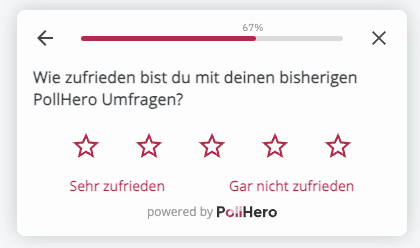
Configuration options:
- You can specify whether the question should be mandatory.
- You can select the rating symbols: stars or numbers.
- You can choose how many options your scale has.
Logic: If/then logic can be created:
If rating is equal to/is better than or equal to/is worse than or equal to X,
then show the Thank You Message/close the survey/go to question X.