
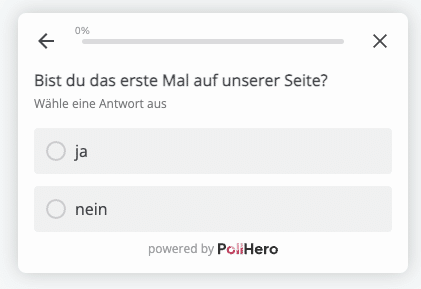
In Single Select question types, your users choose one option from several possible answers.
Settings:
- You can configure whether the question should be mandatory.
- You can configure whether the questions are displayed randomly.
- You can add an “Other” answer with a free text field.
- You can limit the number of answers your users can provide.
Logic: If/then logic can be created:
If answer is equal/not equal to X,
then show the Thank You Message/close the survey/go to question X.
You can create more than one rule to ask your customers specific follow-up questions based on certain answers.