
These settings apply to onsite surveys and embedded surveys.
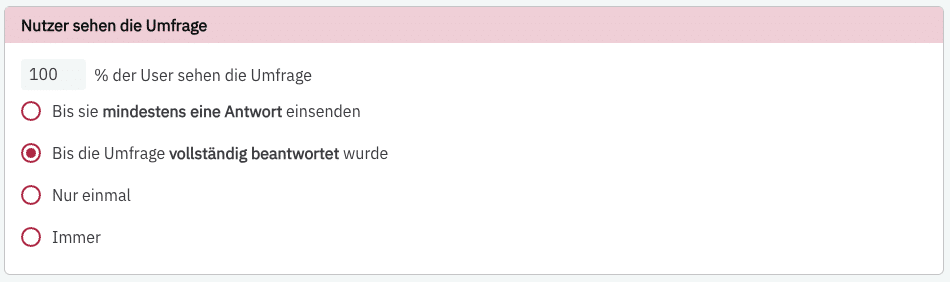
Set how many users see your survey and how often. You can decide whether 100% of all users see your survey or a smaller percentage. If you specify that only 25% of all users see your survey, these 25% will be selected randomly—for example, only 250 of your 1,000 visitors.
You also have the following options:
- Users see your survey until they submit a response
- Users see the survey until they complete it
- Only once (“only once” means once per user)
- Always
If you have set the survey to be always visible, a user may fill out the survey multiple times. PollHero recognizes that it is the same user ID and overwrites the previous responses.