
We will help you create your survey.
- Log in to app.poll-hero.com
- Select your project
- Click Create Survey in the upper right corner
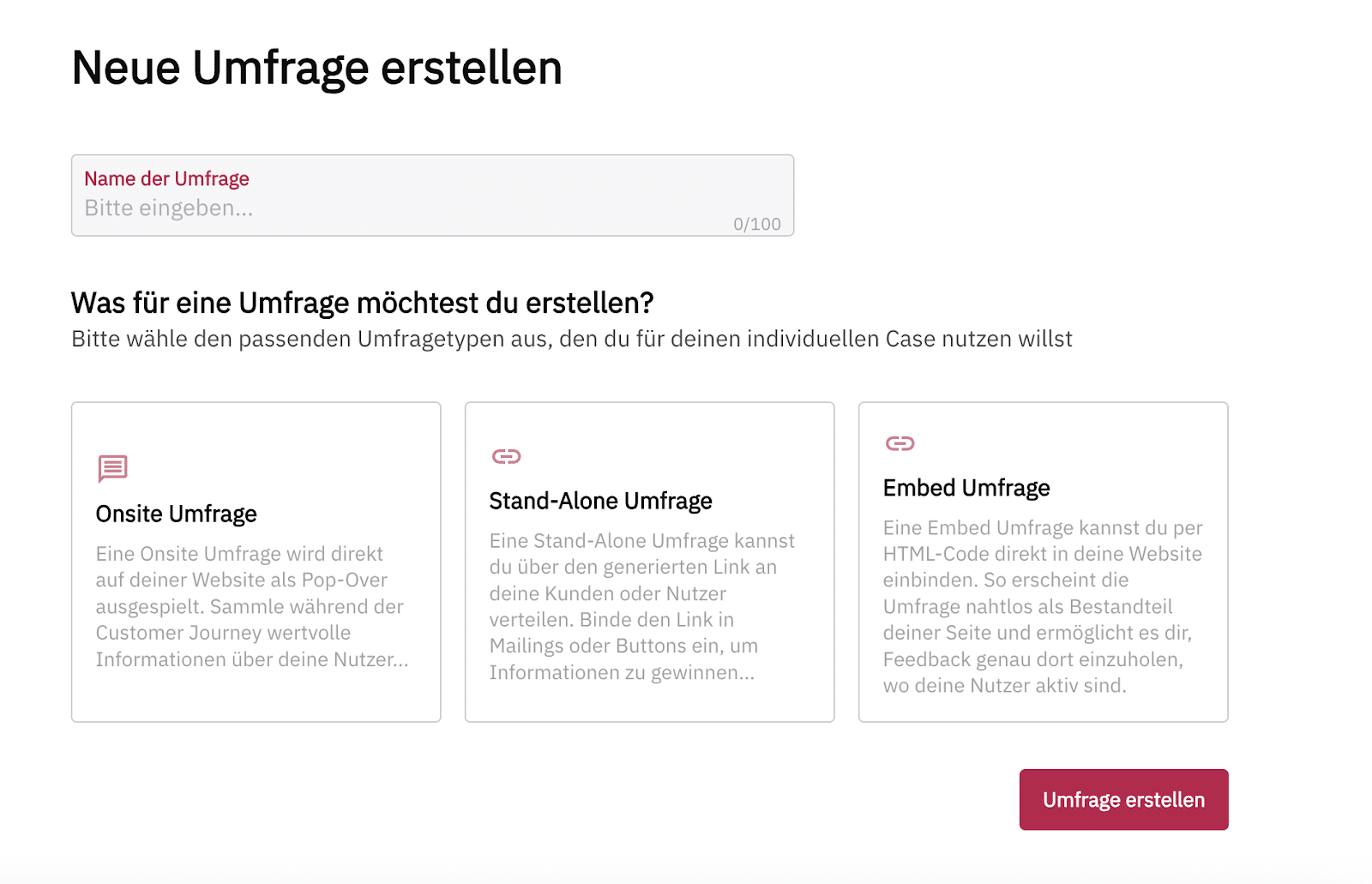
You are now on the Create New Survey screen and can give your survey a name.
You can also select the type of survey you want to create:
- Onsite Survey: The survey will be displayed as a pop-up on your site.
- Stand-Alone Survey: You can share the survey with your customers via a link, for example in a newsletter or through a button on your site. It will be displayed on a separate webpage.
- Embedded Survey: You can integrate the survey directly into the HTML code and display it seamlessly on your site.
Your survey is automatically saved every two minutes.
Learn more about creating the different survey types:
In the PollHero Free Plan, you can only create onsite surveys. To create stand-alone surveys or embedded surveys, you must have at least the Growth Plan.
You can find an overview of the plans here.