
You can create your first project immediately after setting up your account. You can have various projects within one account.
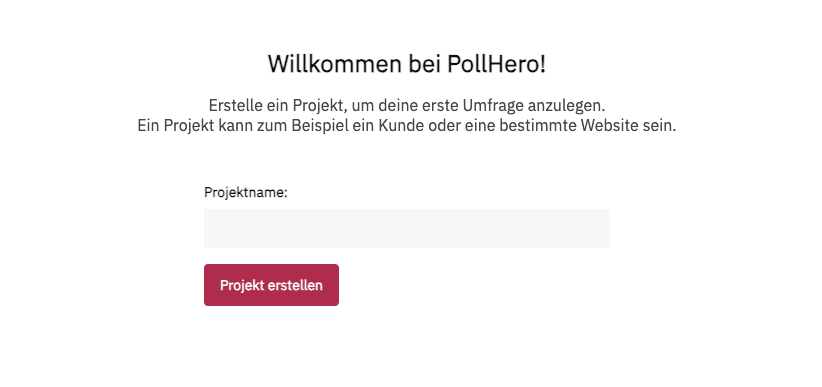
To create your first project, simply enter the project name and click Create project. You will then be taken to your survey overview. Each project can contain multiple surveys.
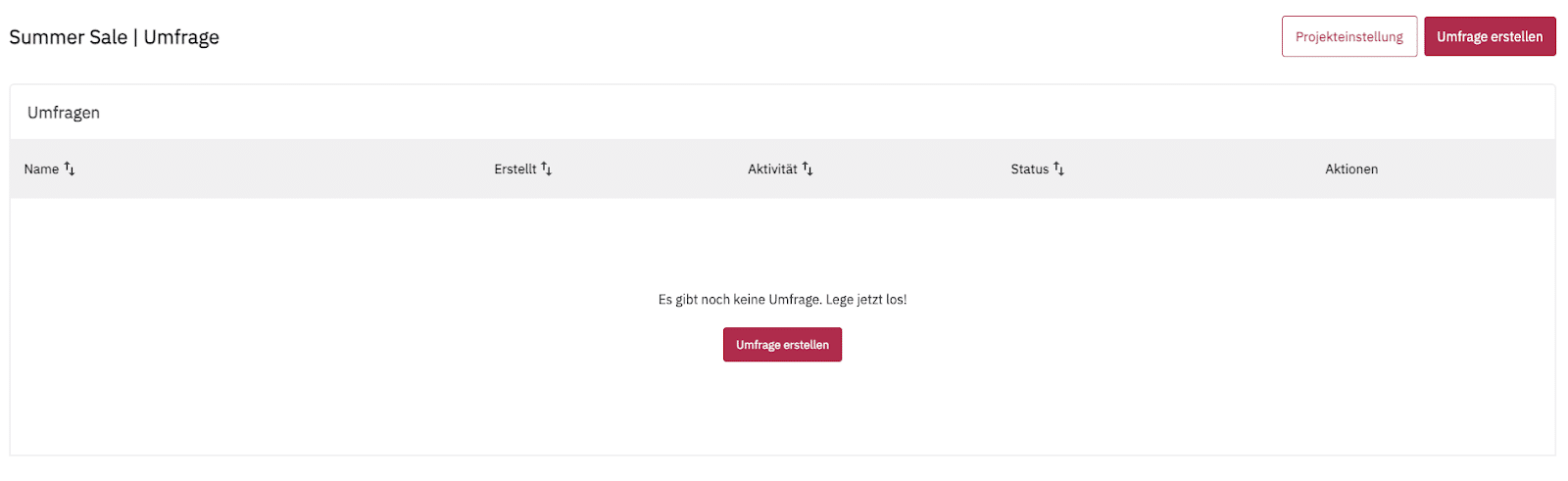
More information about surveys:
- Explanation of question types
- Create Survey
- Survey design
- Survey targeting
- Add rules
- Reporting
- Use Cases
Manage project #
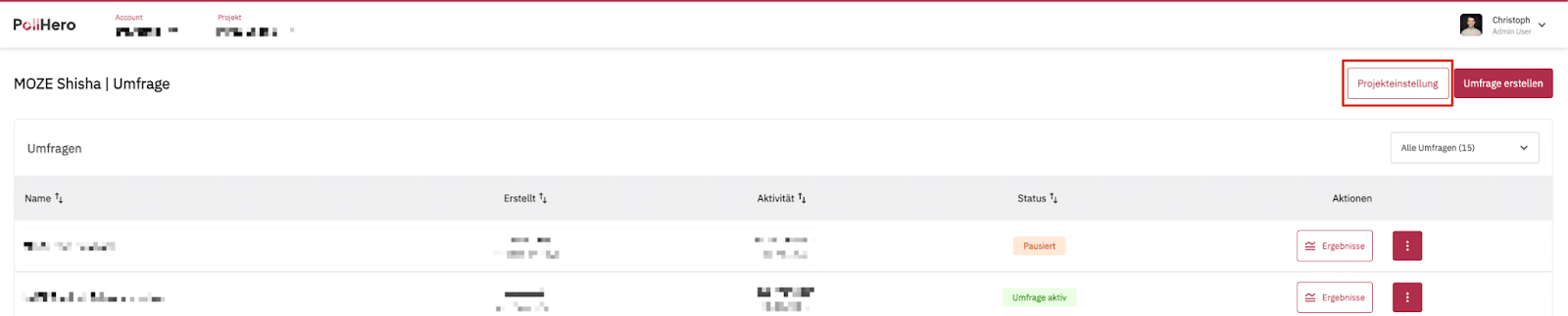
In the upper right corner, you will see a button labeled Project settings. Here you can specify your project details.
General settings #
Here you can change the project name, describe the project in more detail, and provide the URL for the project.

Installation method #
You can install PollHero either manually or via third-party providers.
To install PollHero manually, copy the tracking code into the element of your website.
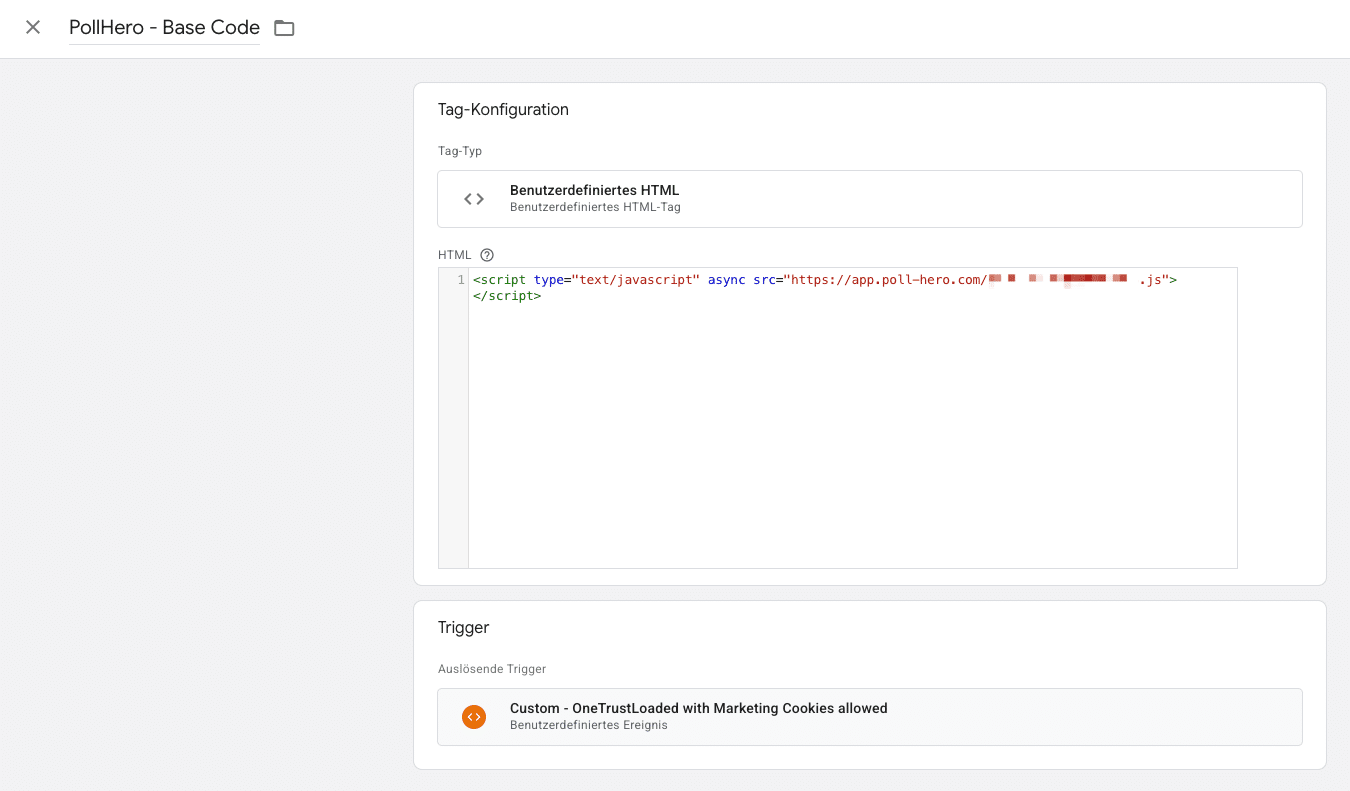
To install PollHero via Google Tag Manager or another provider, copy the tracking code and create a new tag of the type “Custom HTML” in Google Tag Manager.
As a firing trigger, you then add either “All Pages” or—depending on how you handle cookie consent in Google Tag Manager—a corresponding trigger so that the script is only loaded upon consent.
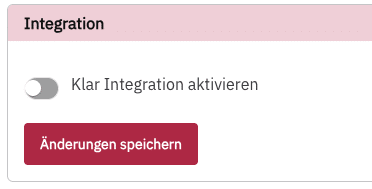
Integration #
You can integrate your survey into Klar with just a single glance.
Project members #
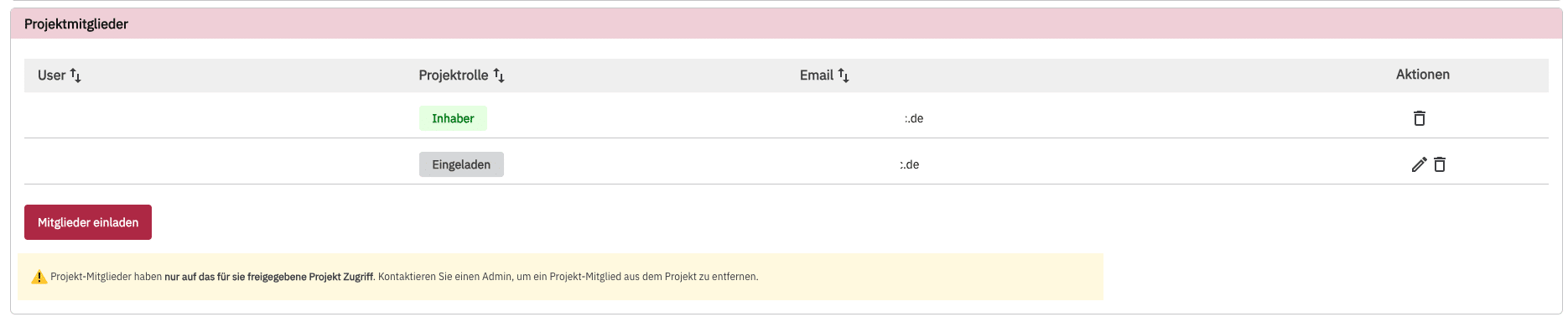
You can invite employees as members to the project. Members only have access to this specific project and not to other projects in your account. This allows you, for example, to invite your clients only to their own project.
To invite a member, click on Invite members. A pop-up will open where you can enter the email address. You can invite multiple members at the same time.
You can assign members either the role of Viewer or Editor.
As a viewer, your member can only see the surveys in the project but cannot edit them.
As an editor, your member can create and edit surveys.
You can only remove employees from a project if you are an admin.
Privacy & Compliance #
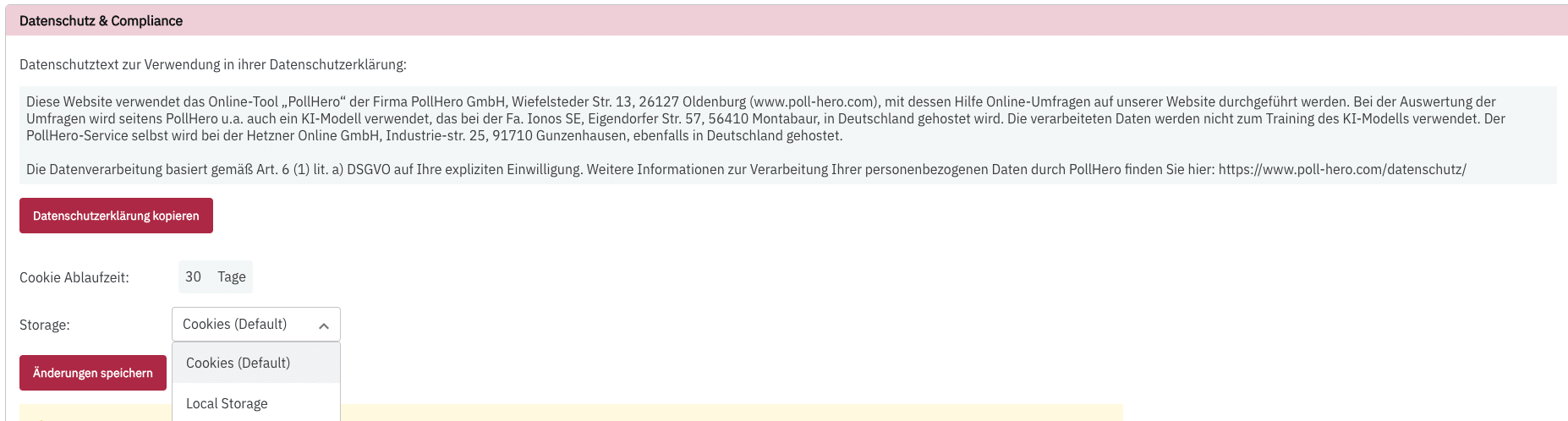
Here you will see a pre-formatted snippet for your privacy policy. Copy the statement and insert it into the privacy policy on your website.
Additionally, you can configure how and for how long data is stored. Data is stored either as cookies or in local storage. By default, PollHero stores data in cookies.
Additionally, you can activate the masking of personal information in free-text responses (PII masking) here.
Delete project #
You can delete an entire project, including all surveys.
Attention: This action cannot be undone. You will no longer have access to the surveys or the reports.