
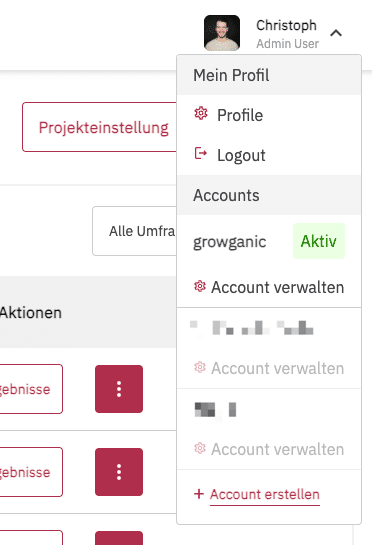
You can access your account management by clicking the arrow next to your name in the top-right corner. In the menu, you will then find the Manage account entry.
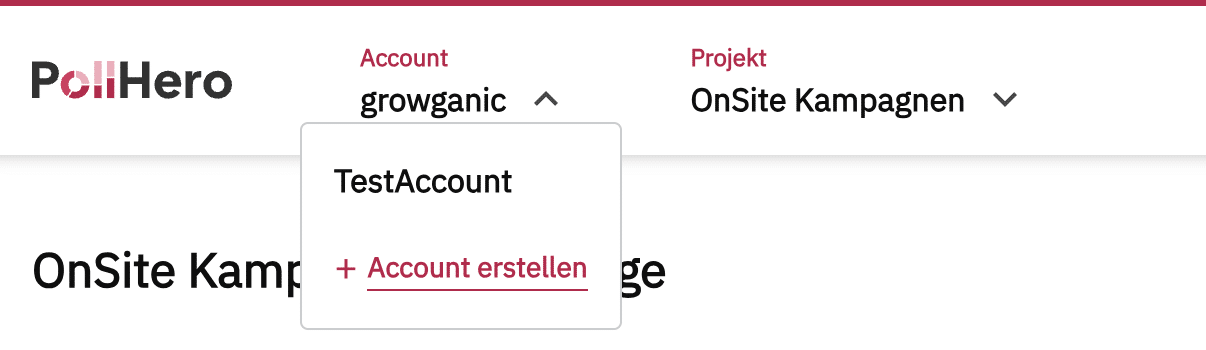
You can create multiple accounts. This is particularly useful for agencies, as it allows customers to be separated into dedicated accounts.
If you have more than one account, you will see the accounts listed one below the other.
In account management, you will find the General settings section.
Here you can change your organization’s name, add a description, enter your website URL, and upload your logo.
In the Admins section, you can see which members of your organization have admin rights. You can add multiple admins. All admins can manage the account and have unrestricted rights.
In the Projects section, you can see which projects your account manages and which members are in those projects. You can also manage project members here or add new projects.
In the bottom section, you can delete your account.
You can read more about this in our overview.