
The color settings apply to OnSite surveys, Stand Alone surveys, and Embedded surveys.
You can adapt the survey colors to match your brand colors.
Either move the slider or enter the hex code to change the button color, button text color, survey background color, and survey font color.
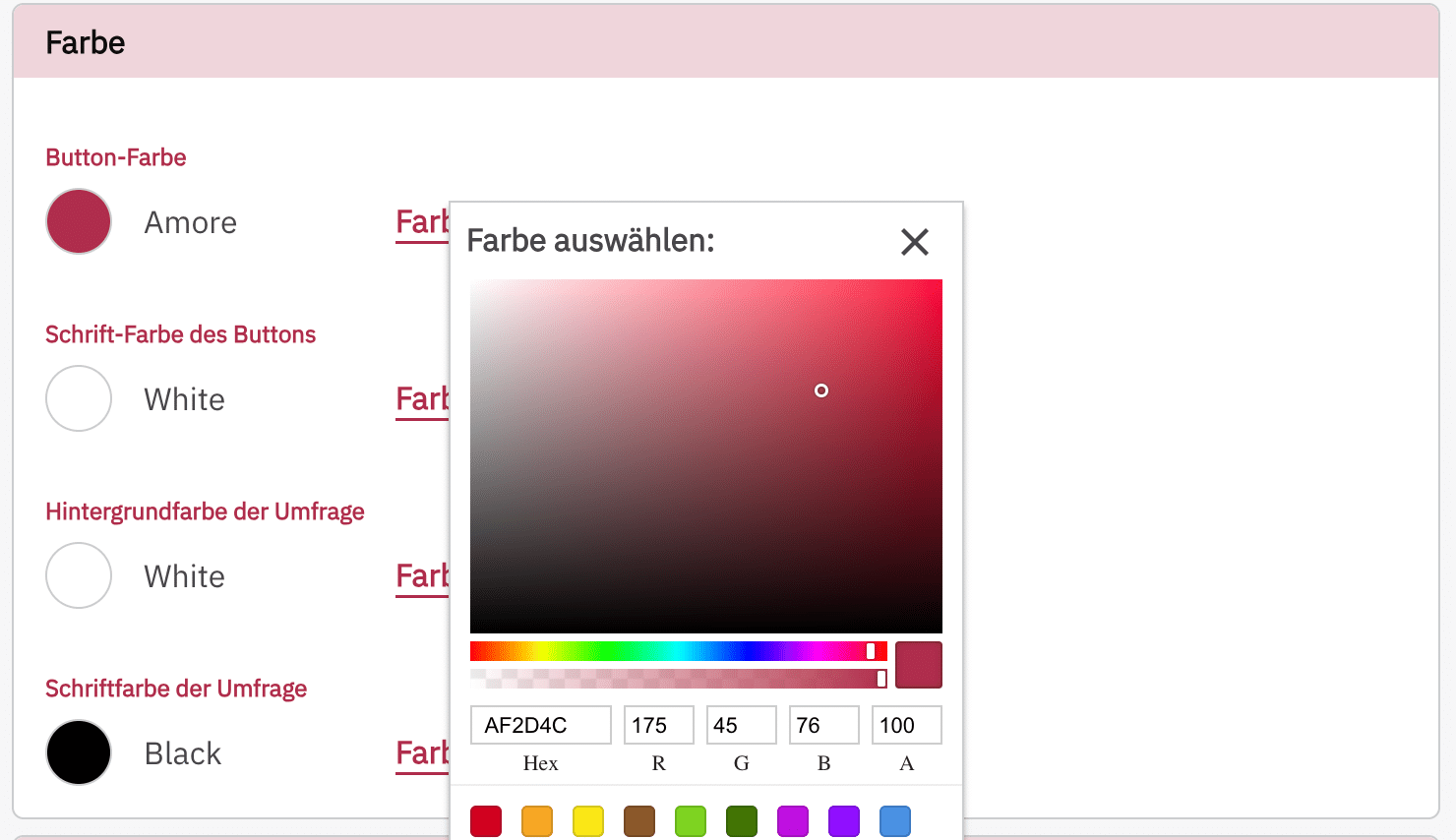
We recommend choosing a color combination that is easy to read. Generally, dark text on a light background provides better readability. According to WCAG 2.1, the contrast ratio should be at least 4.5:1.
You can calculate the contrast ratio here: Contrast Calculator