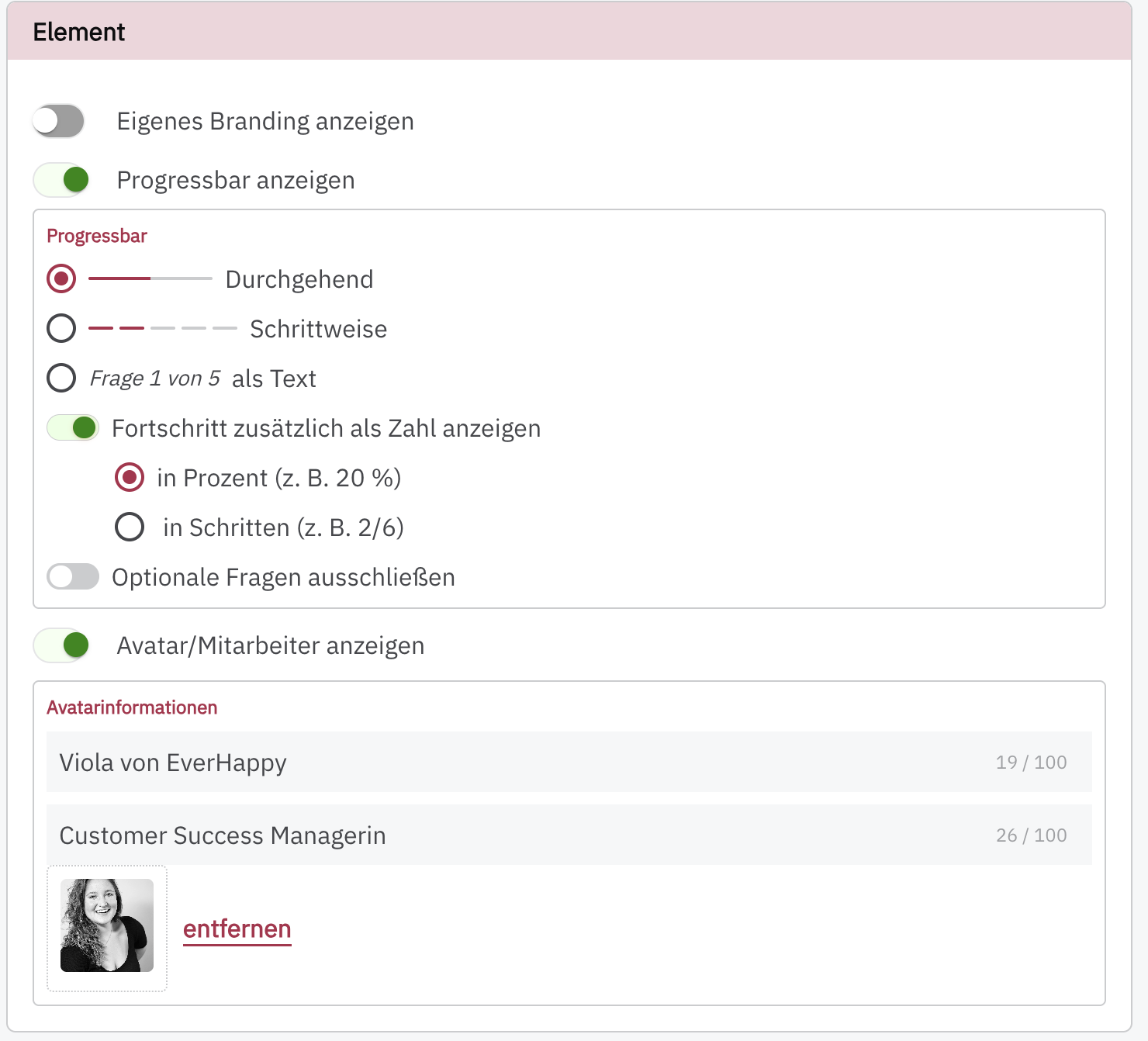
In this section, you can show or remove the PollHero branding, hide or display the progress bar and change its design, and display an avatar/employee.
The Element section is the same for all survey types.
Note: You cannot remove the branding in the free PollHero version.
You can upload the avatar or profile picture via the form. It must not be larger than 2MB and must be in JPG, PNG, or GIF format. The image will be displayed in the upper left corner of your survey.
You can also specify the name of the (fictional) person as well as your company name, for example “Anna from PollHero”. Additionally, you can enter a job title.
This gives your customers the feeling that they are not talking to a nameless company, but providing their feedback to a real person.