
You can see your onsite survey in the context of your own website during creation thanks to the preview function.
You can find the survey preview function in the Launch tab.
Here, you also have the option to take targeting settings into account.
If the option is disabled, the survey will always be displayed immediately (useful for checking the design).
If the option is enabled, you can simulate the exact behavior of the survey as it would feel to the end user (targeting, trigger behavior).
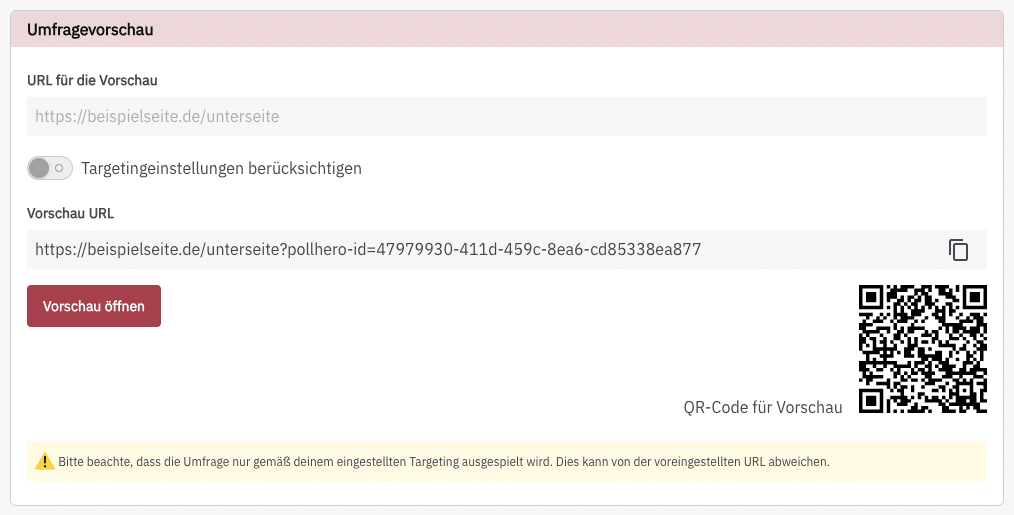
Open the preview either via the button, copy the link into the browser bar, or scan the QR code to view your survey.
Important note regarding the preview:
For technical reasons, this only works if the PollHero project script is integrated on the website where the preview is to be viewed.