
In the Launch tab, you can decide how to integrate your embedded survey. If you choose the CSS Selector option instead of Embed Code, you can use Direct Injection to decide exactly where the survey should be positioned. It is then embedded using CSS selectors and combinators.
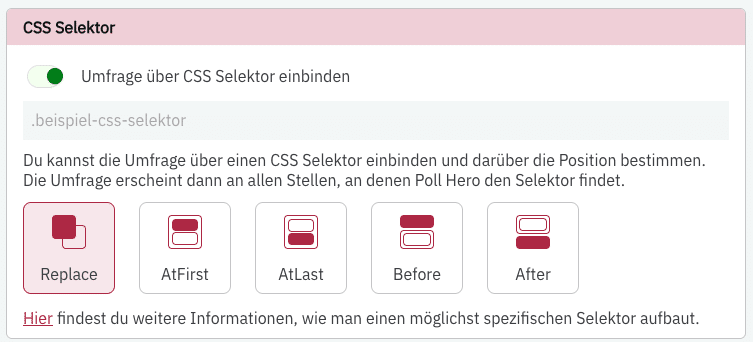
With Direct Inject, you can “find” specific elements on your page. PollHero then injects the survey at the first location that matches the selected element.
You can choose from 5 options:
- Replace: Replaces the element found via the selectors with the survey. The target element is removed from the page.
- At First: If the target element is a container with multiple elements, it will be placed in the first position within that container.
- At Last: If the target element is a container with multiple elements, it will be placed in the last position within that container.
- Before: The survey is placed directly before the start of the target element.
- After: The survey is placed directly after the end of the target element.
To use Direct Inject, enter your CSS selector into the input field above the position selection. You can then use PollHero Targeting to set which pages PollHero should search for the target element.