Specify which background color or background image your survey page should have for stand-alone surveys.
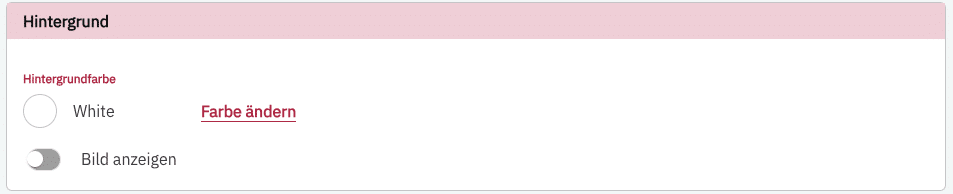
Background color #
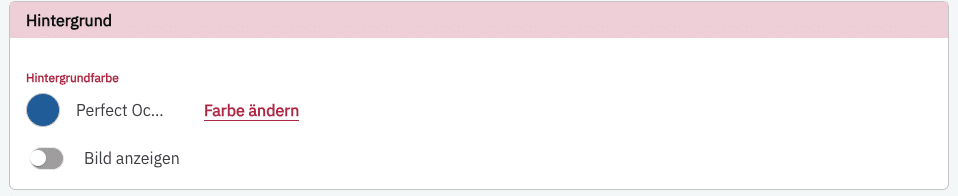
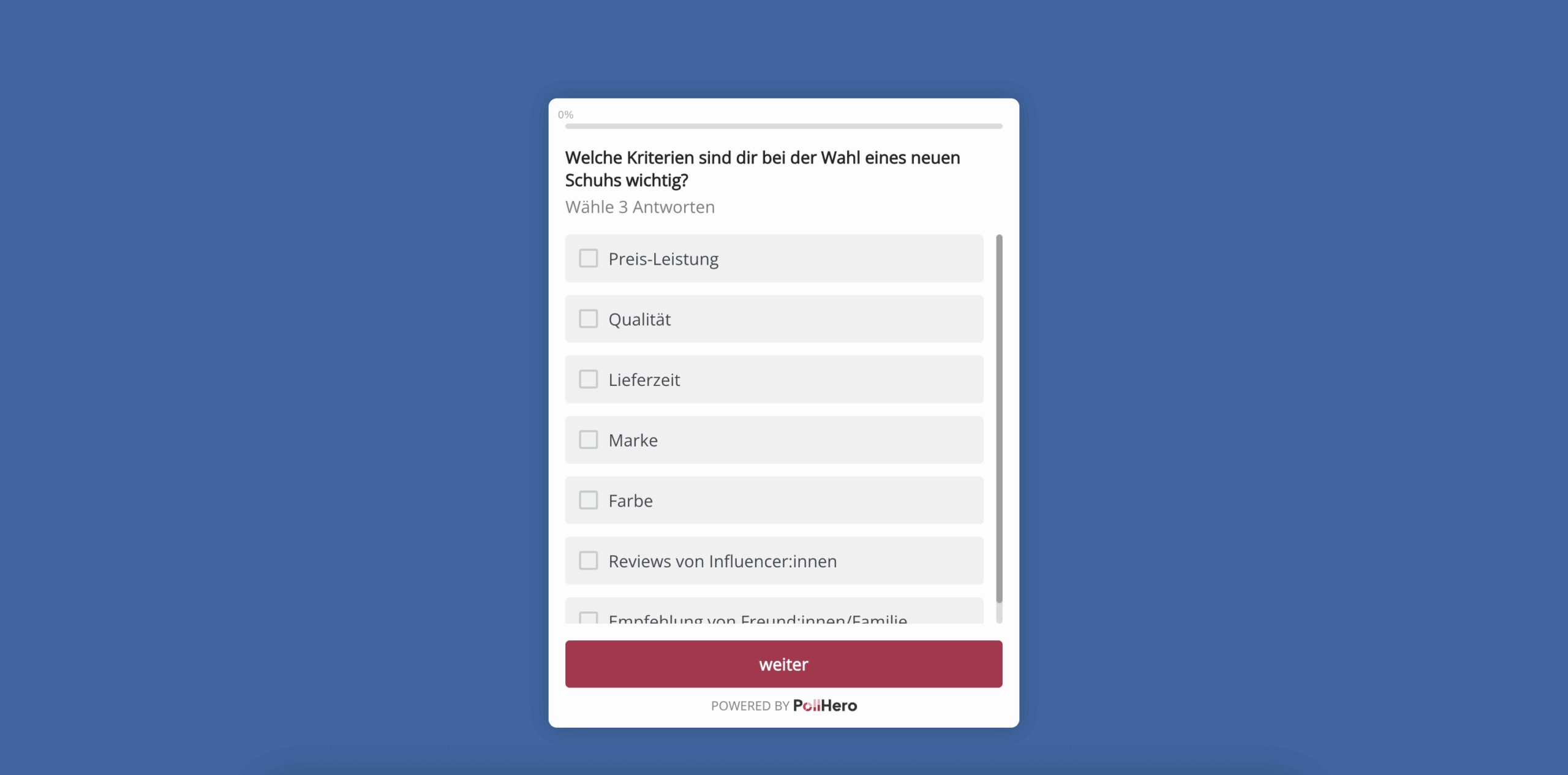
This setting does NOT change the background color of your survey, but the color of the page on which the stand-alone survey is displayed.
Example page:
Background image #
You can also choose to display a background image. Here you can define the position of the image on the page, whether an image overlay is shown, or whether the image is displayed blurred.
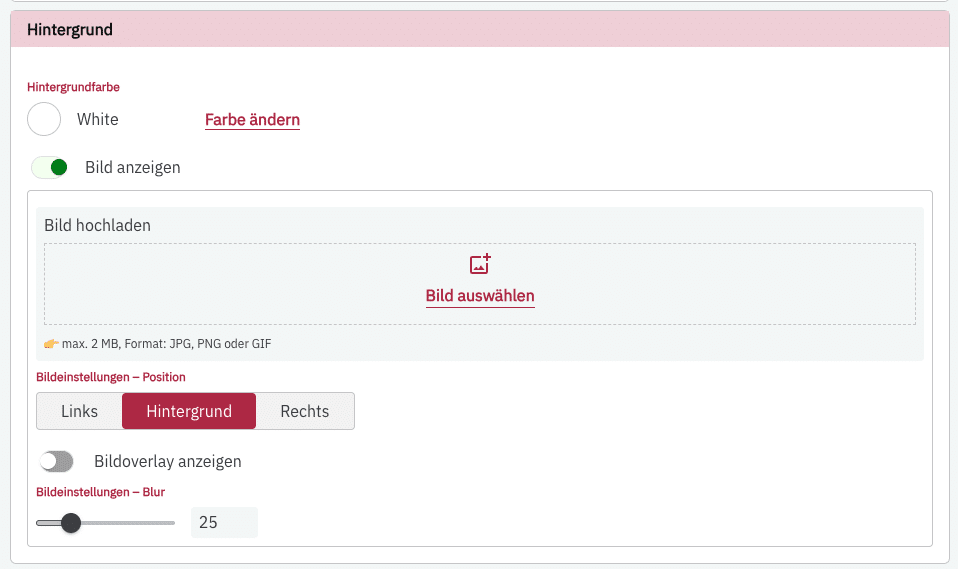
An example of the settings options shown above:
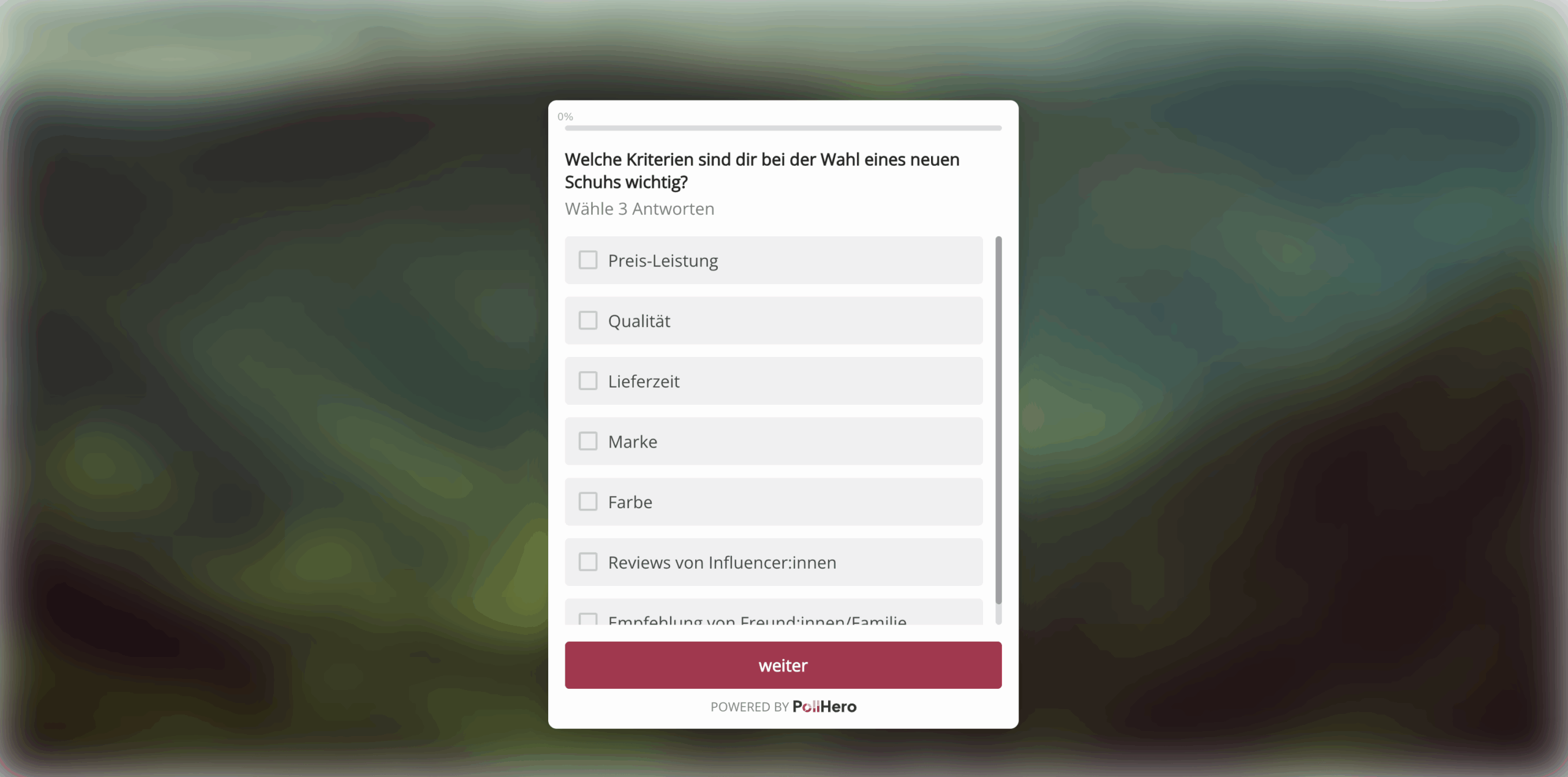
Example of a left-aligned image without blur:
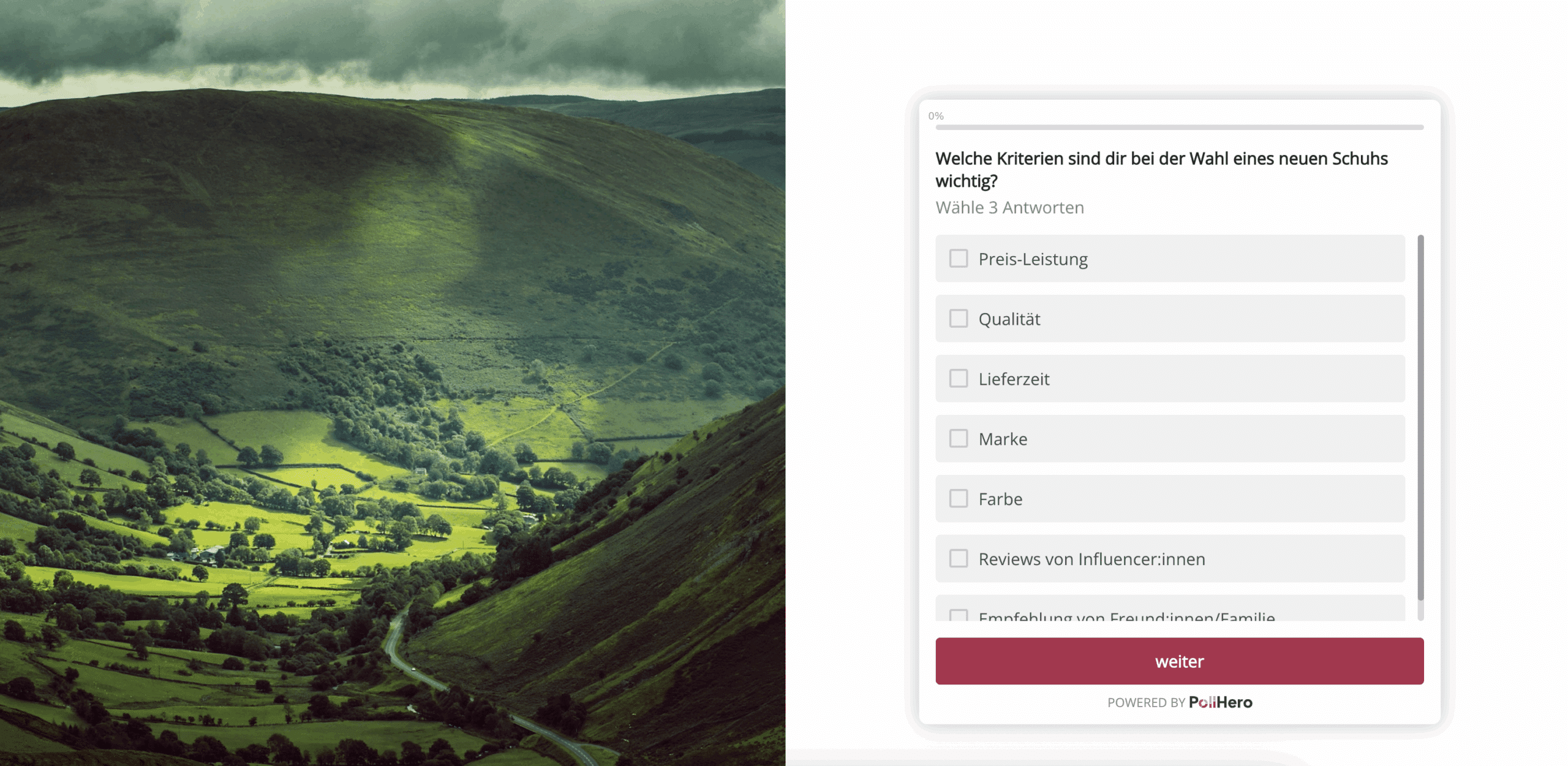
Example of a right-aligned image with 25% blur:
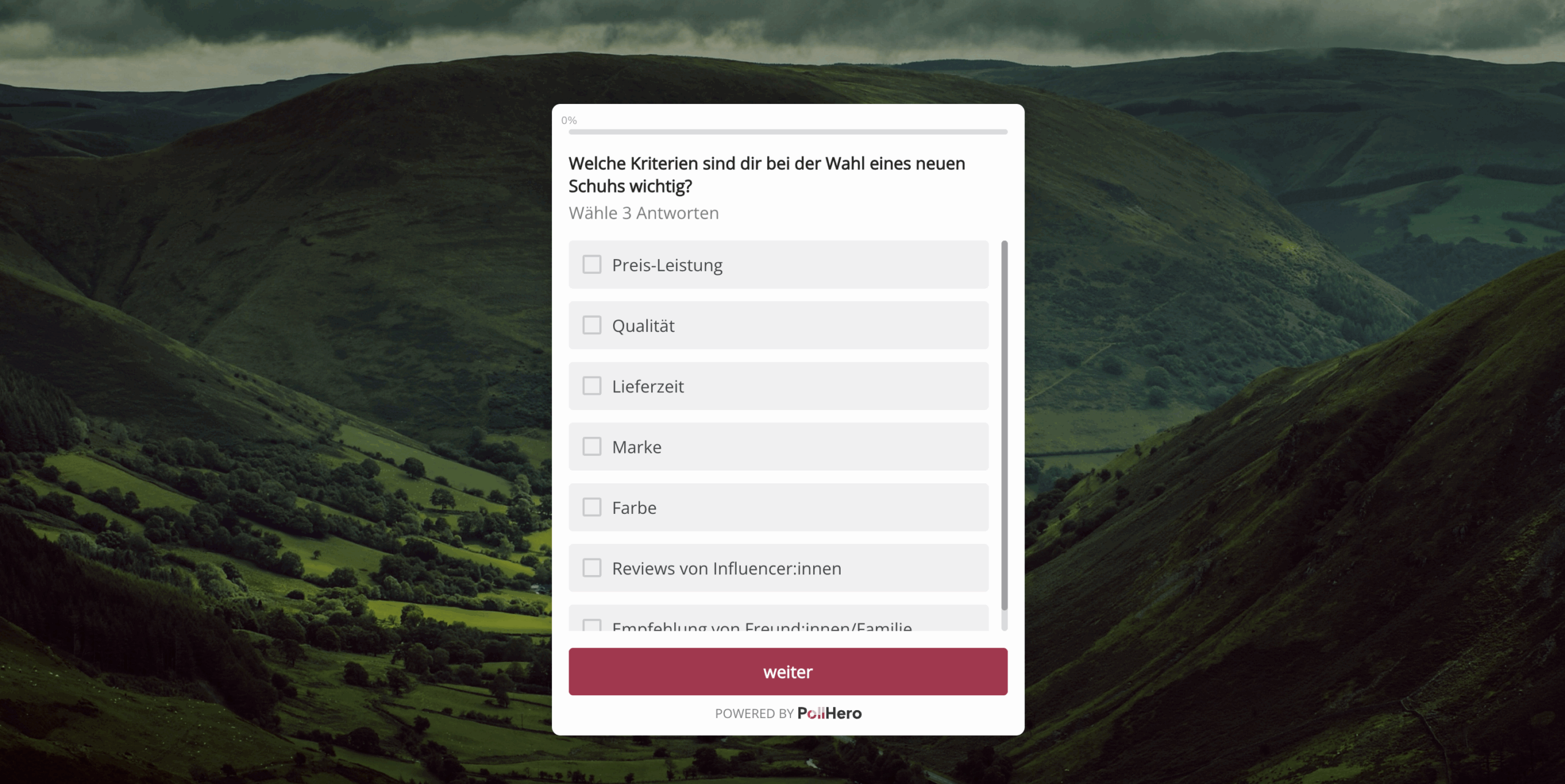
You can also specify whether your image should have an overlay. For the example with an overlay, the same image is selected, no blur is set, and a black overlay with 35% transparency is configured.
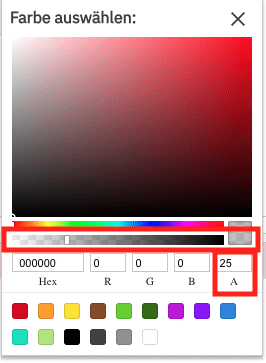
You can set the transparency in the “A” field or via the slider below the color selection.