For both onsite and embed surveys, you can use PollHero’s general targeting.
Here you can add rules for where and to whom your survey is displayed on your site, or whether embed surveys should be loaded.
If you don’t set a rule, the survey will be displayed on all pages as the default rule is Seiten-URL entspricht RegEx .*.
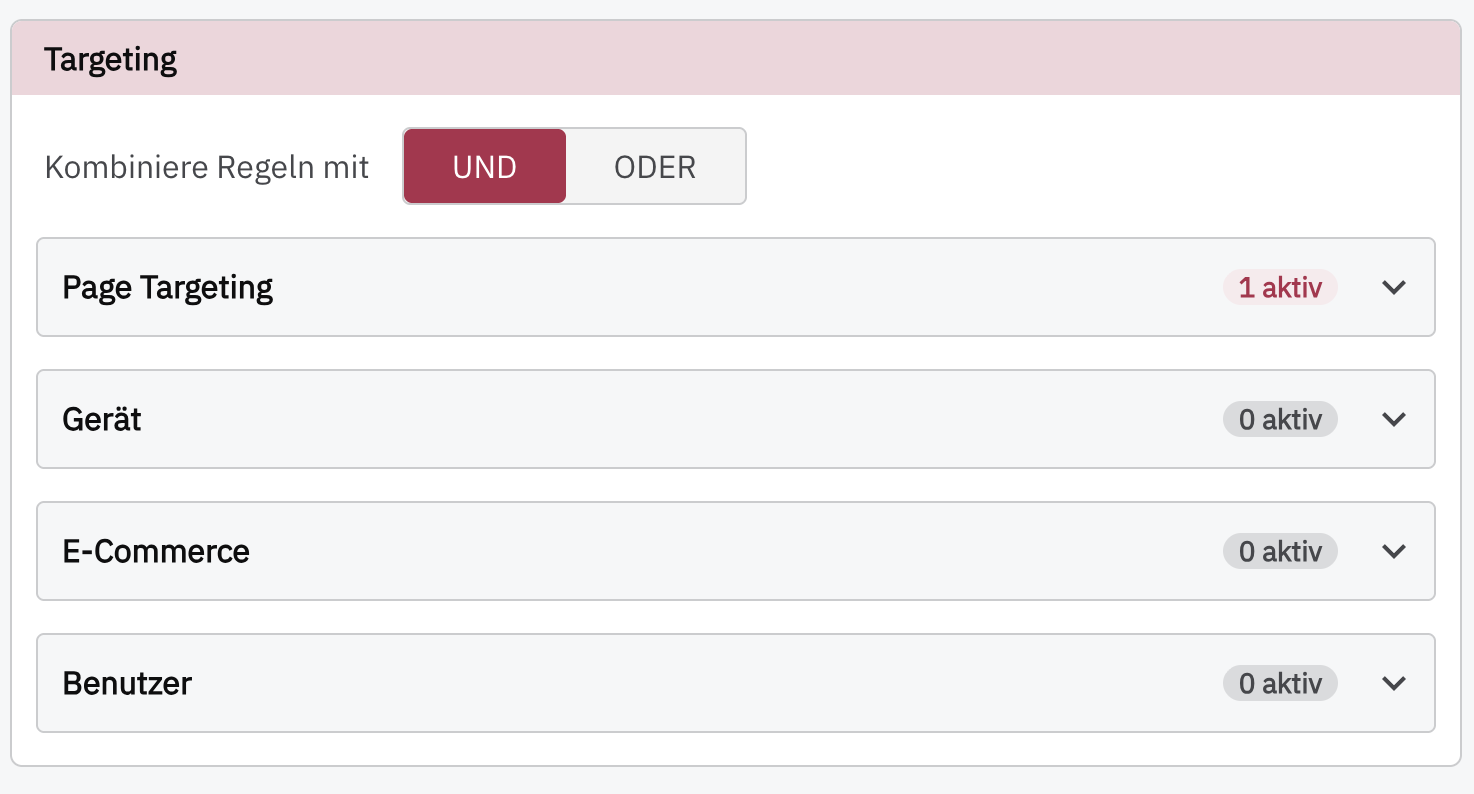
Page Targeting #
You can decide whether page targeting should follow an AND logic or an OR logic.
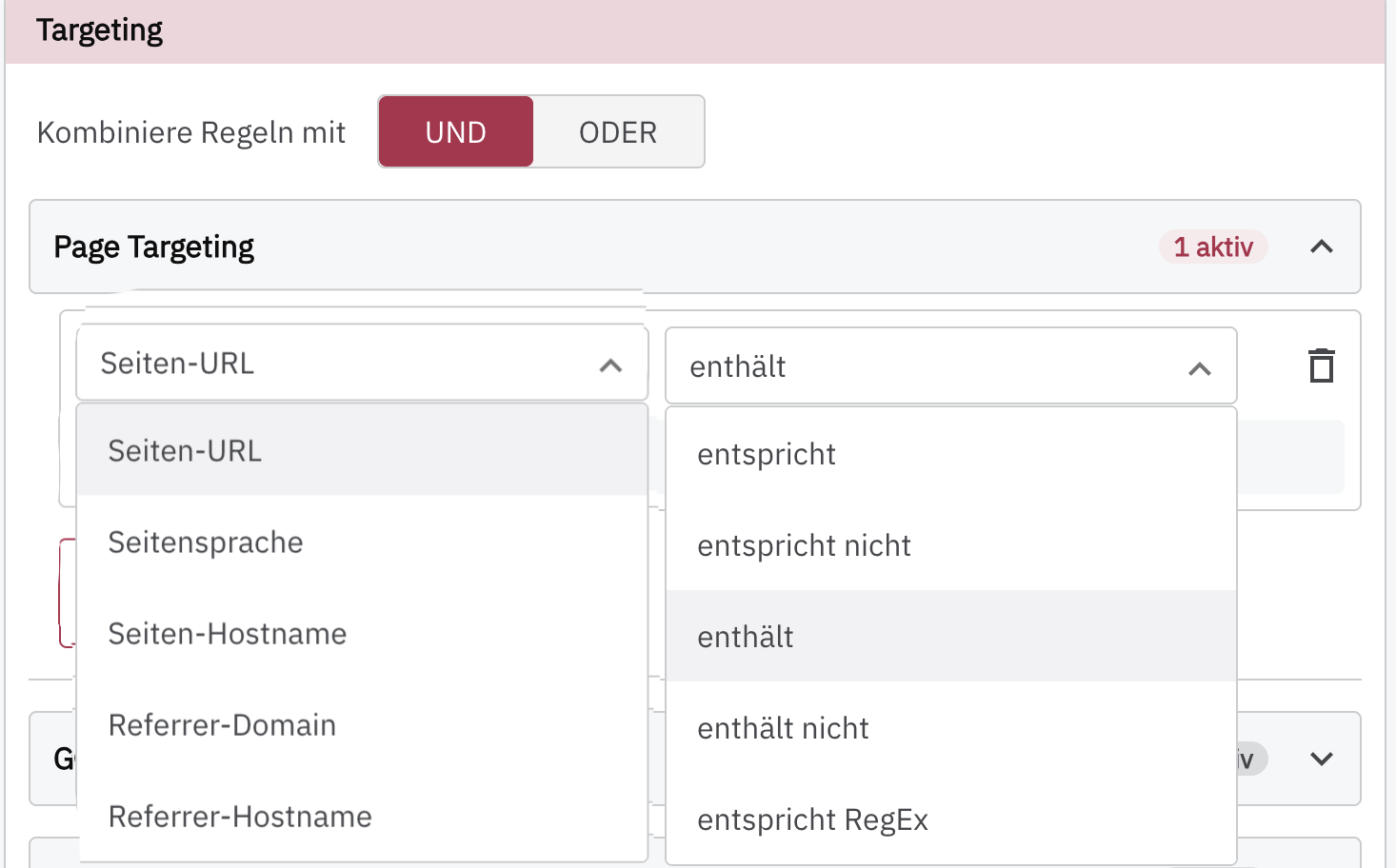
Page targeting can be applied to different pages:
Page URL: select specific URLs, such as a particular product, the order confirmation page, or a thank-you page.
Page language: target by page language if your website can be displayed in different languages.
Page hostname: You can target the survey by hostname,
Referrer domain: You can specifically include or exclude users who arrived via a particular referral (social, direct, ads, etc.) on a domain basis.
Referrer hostname: You can specifically include or exclude users who arrived via a particular referral (social, direct, ads, etc.) on a hostname basis.
For pages, you have the following options:
contains: The URL contains specific slugs, allowing you to display the survey only on category pages, for example. The survey will then be displayed on all pages that follow the format www.yourwebsite.com/category/, for example, including www.yourwebsite.com/category/product1/.
does not contain: If you want to display the survey on most pages but not on all pages, you can enter the relevant slugs here. For example, you can exclude your About Us page, your privacy policy page, or your blog. Here too, all URLs that contain the slug will be excluded.
matches exactly: Enter a URL here on which you want to display the survey.
does not match: Enter a URL here on which you do not want to display the survey.
matches RegEx: The field expects a regular expression (RegEx).
Device #
Target users based on their device or screen width.
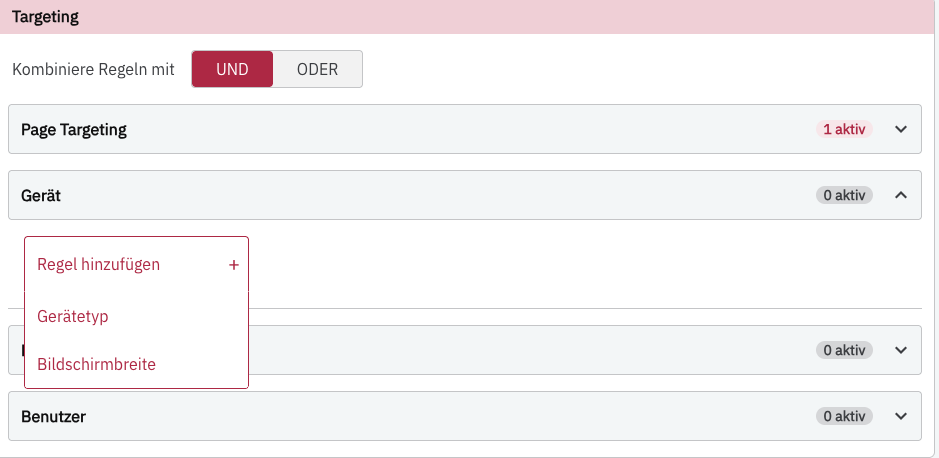
You can target Mobile, Desktop, Tablet, and SmartTV.
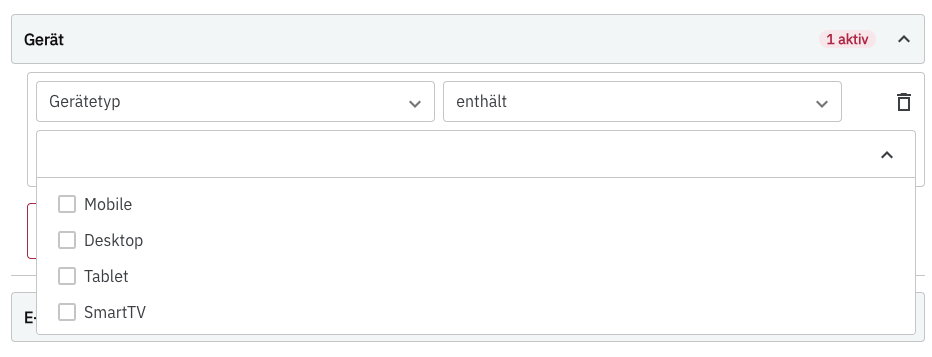
If no specific device type is selected, the survey will be loaded on all devices.
E-commerce #
Target based on different e-commerce features:
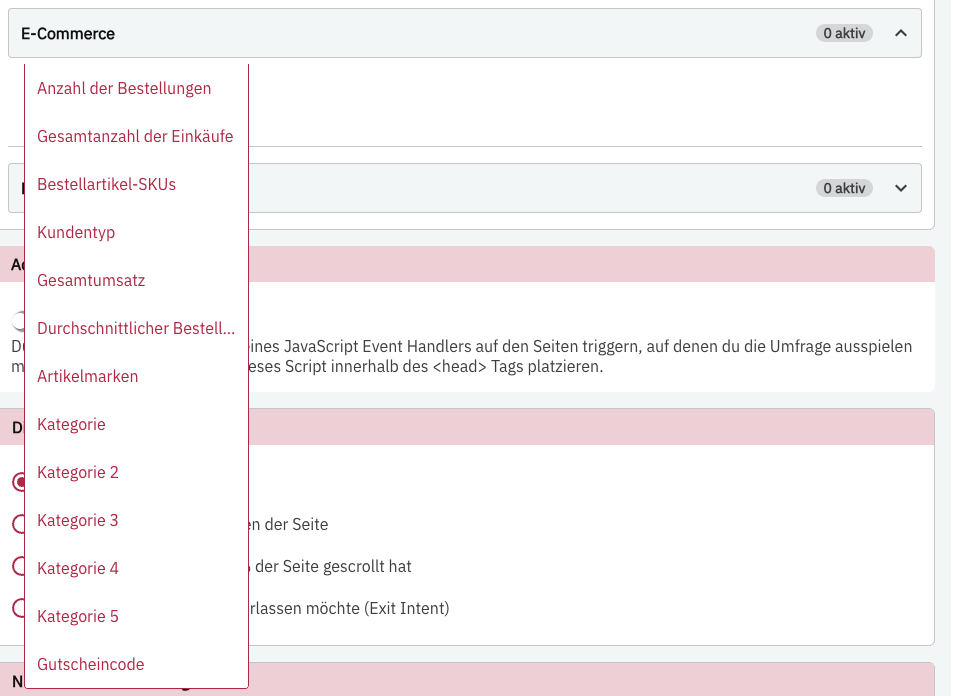
You can currently integrate PollHero with GetKlar and link your data that way.
Users #
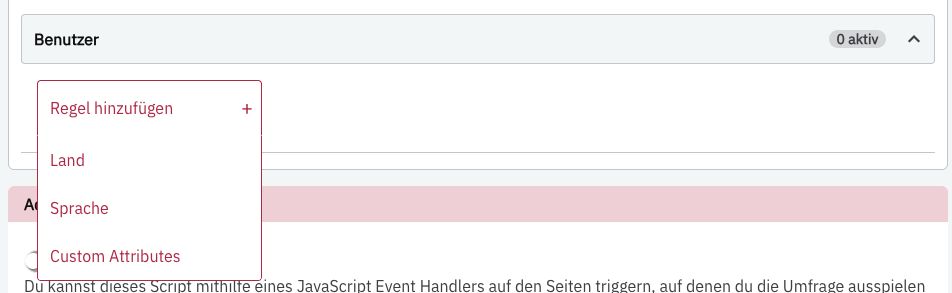
In the “Users” section, you can specifically target certain users or user groups. You have access to the user’s country and language, as well as Custom Attributes.