
For your post-purchase attribution, you can capture the responses including the order ID and add them to KLAR! as a Custom Post Purchase Survey Sheet.
Activating the KLAR Integration in PollHero #
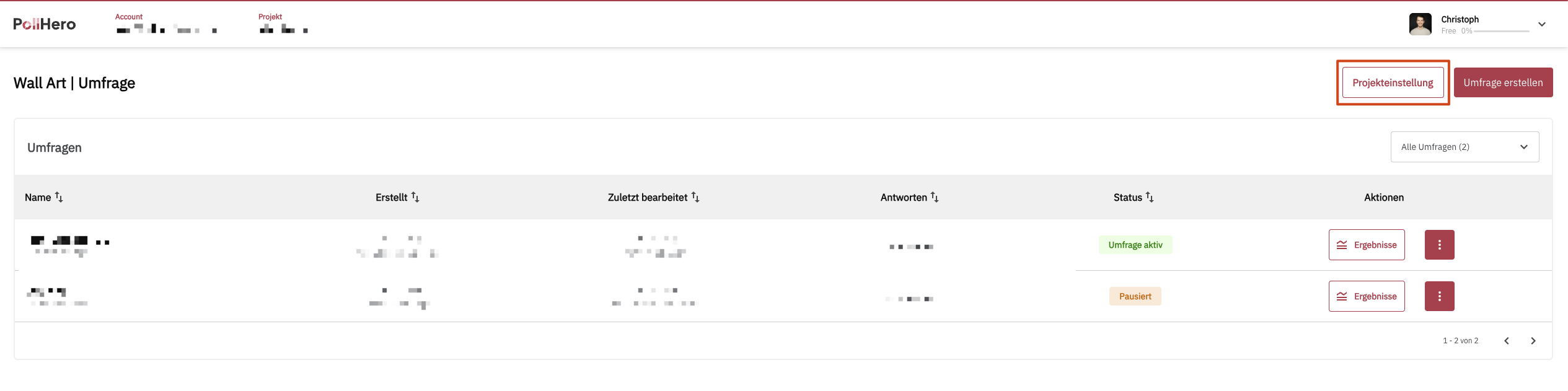
To activate the KLAR integration, navigate to your project settings.
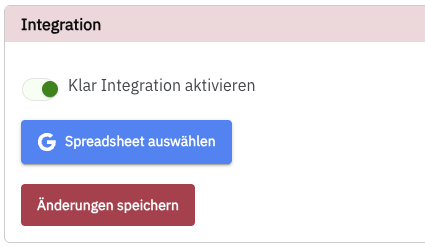
There, set the toggle for Activate Klar Integration to ON and you will see a button to authenticate with Google.
Click this button and grant access permissions via Google.
Adding Google Sheets to the PollHero Project #
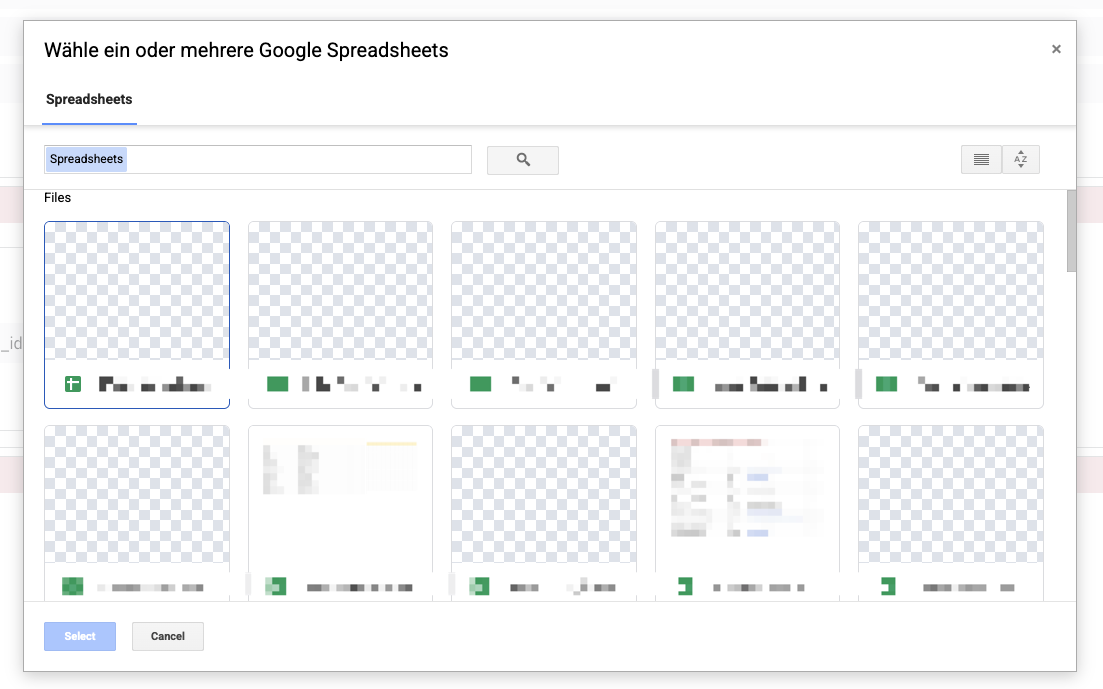
After successful authentication, a popup will appear in which you can select all Google Sheets for which you want to establish data transmission from your surveys to the sheets.
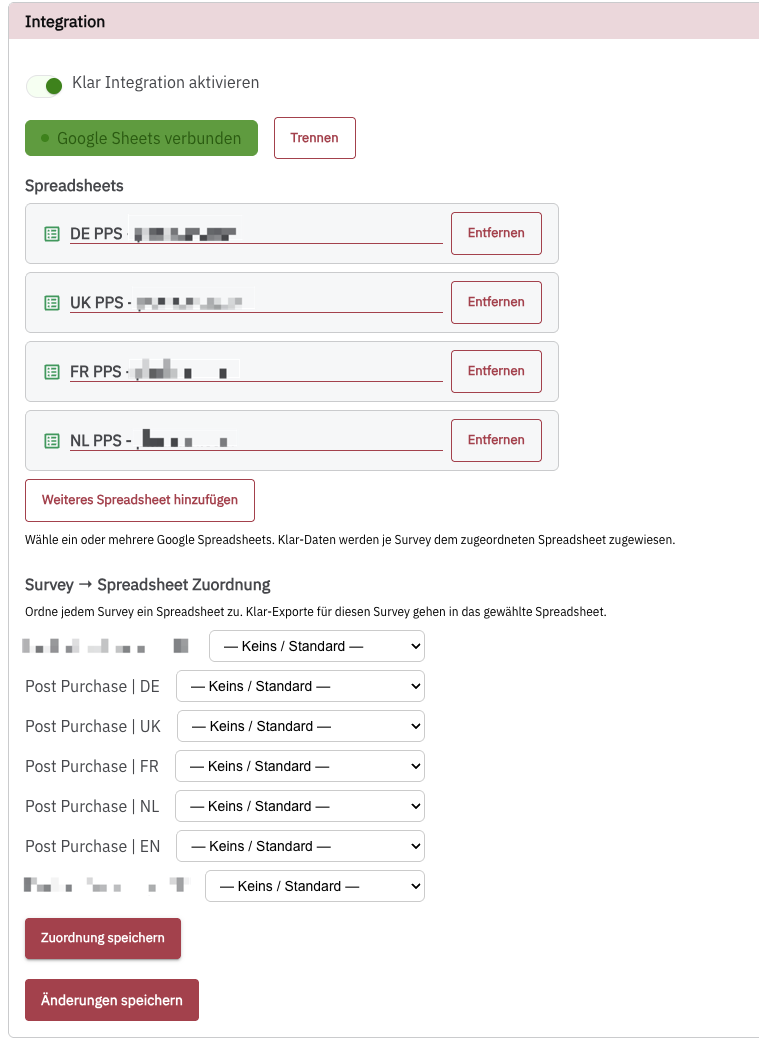
After you have selected the correct sheet, you can add additional sheets via the Weiteres Spreadsheet hinzufügen button.
These can then be assigned to the correct sheets below via the survey listing. Confirm these settings with the Zuordnung speichern button.
Selecting Which Questions/Answers Should Be Transmitted to KLAR #
For post-purchase attribution, you typically use a single question (with possible follow-up questions/logic).
The question is usually something like
Where did you first hear about us?
Navigate to the corresponding question in your survey and activate the “Send to Klar” option at the bottom.
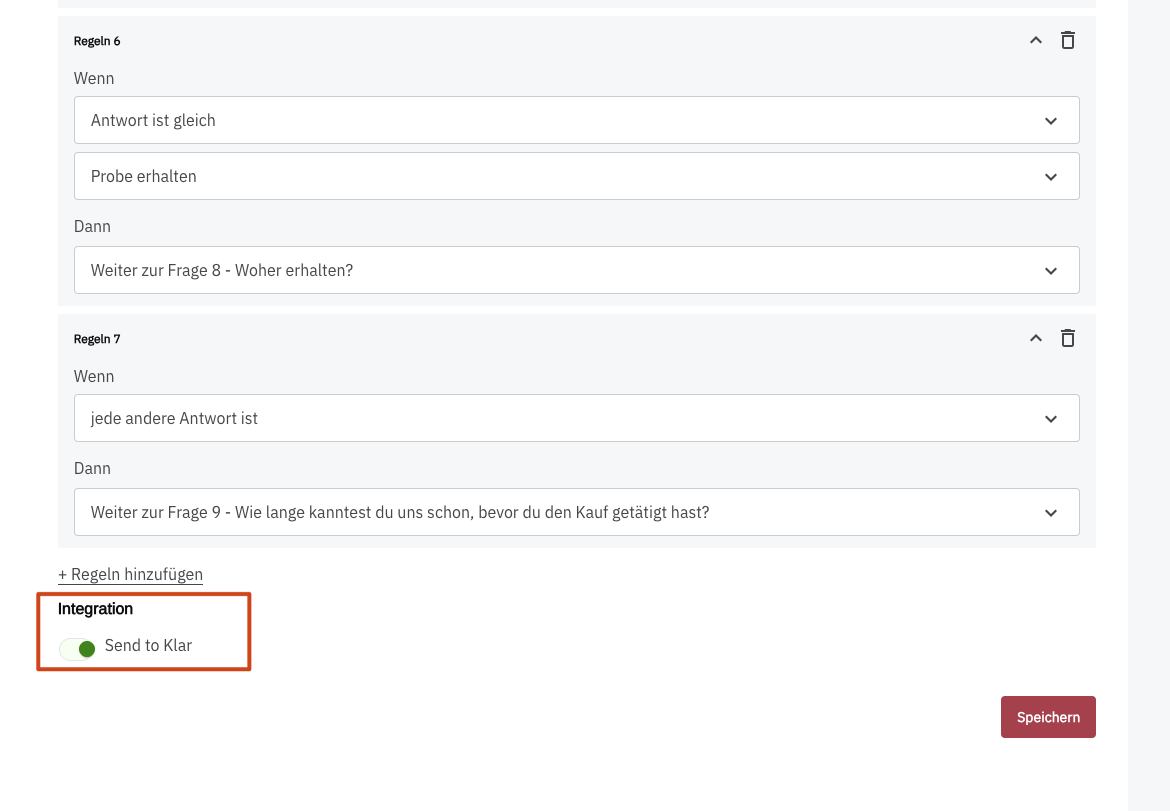
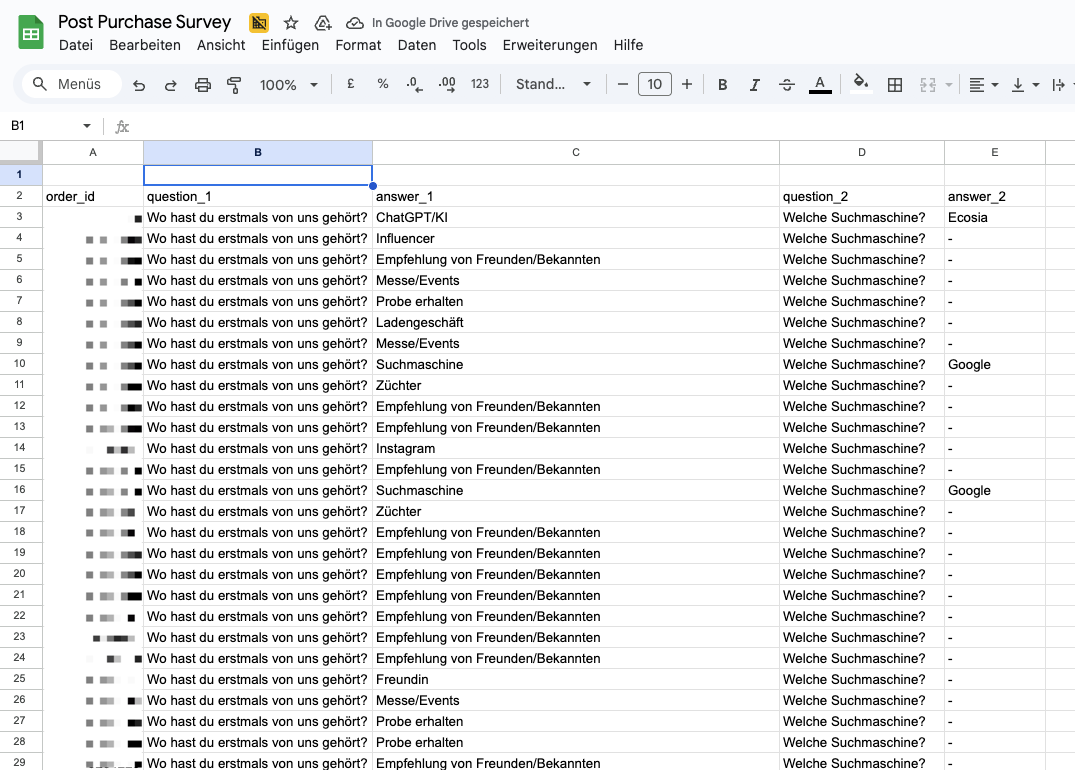
This will prepare this question with the information question_1 and answer_1 accordingly so it can be transmitted to KLAR.
If you activate this for another question, it will appear in the export as question_2 and answer_2:
Inserting a Purchase Tracking Script #
To send purchases to PollHero, you must trigger a conversion script with each purchase:
window.PH_API = window.PH_API || [];
  window.PH_API.push({
    event: "purchase",
    transaction_id: "{{dlv - ecommerce.transaction_id}}",
    value: {{dlv - ecommerce.value}},
    tax: {{dlv - ecommerce.tax}},
    shipping: {{dlv - ecommerce.shipping}},
    currency: "{{dlv - ecommerce.currency}}",
    coupon: "{{dlv - ecommerce.coupon}}",
    items: {{dlv - ecommerce.items}}
  });
The example shown here uses the common Google Tag Manager variables from the dataLayer, but your individual syntax may differ!
The required values in any case are transaction_id, value, and currency.